Possum control for forestry
Find traps across the block. Record checks and catches offline, then bring the records together for your forestry client.
See how trap checks work

Pest-control software for the field
Map your traps and bait stations. Record catches, activity and servicing on your phone—even without reception. Share the work with your team and clients.
7 days free · No credit card needed
For forestry possum control and suburban bait-station servicing.


Find traps across the block. Record checks and catches offline, then bring the records together for your forestry client.
See how trap checks workKeep each station’s location, activity notes and replenishment history together, ready for the next service visit.
See how station servicing worksField records
Record visits on your phone or in the web portal. Keep the details with the location, so the next person on the job can see what happened.
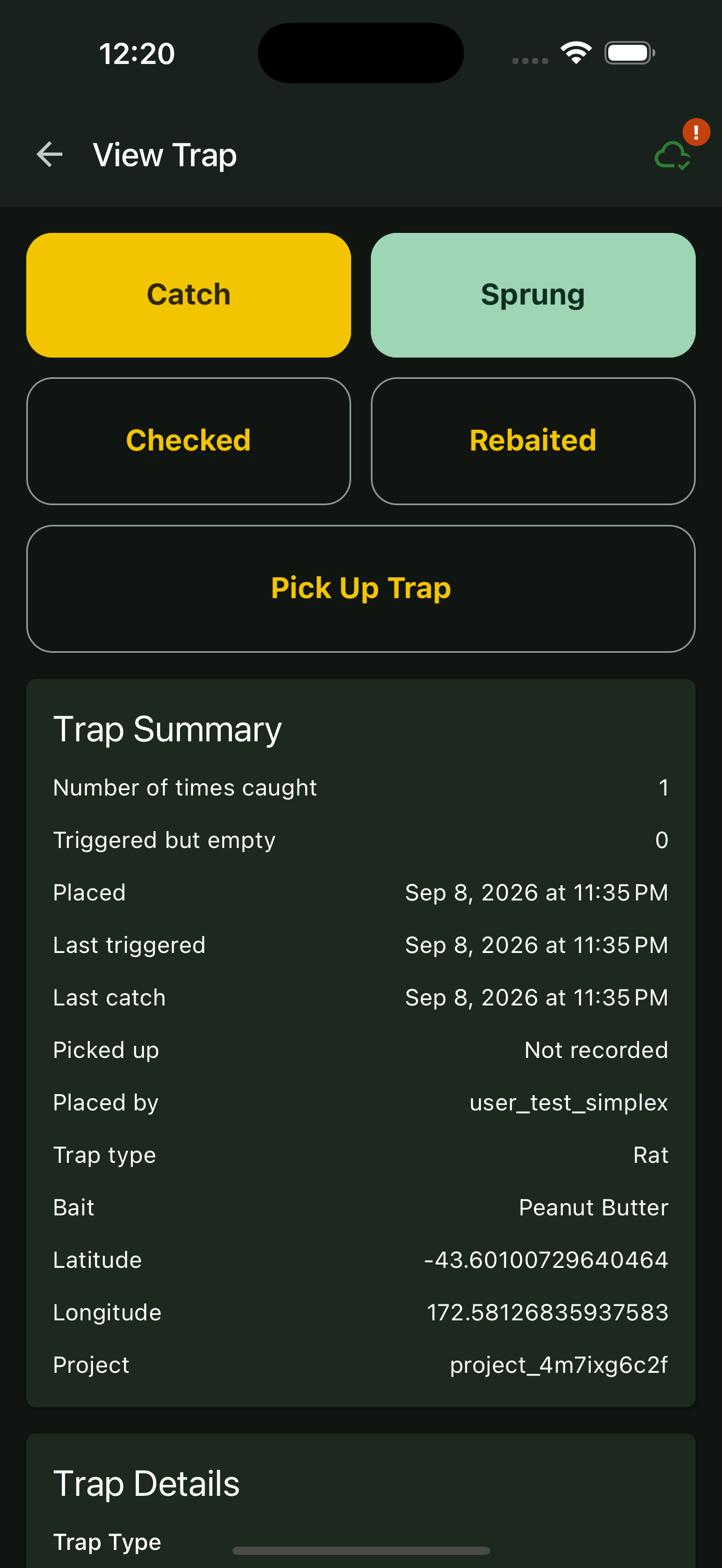
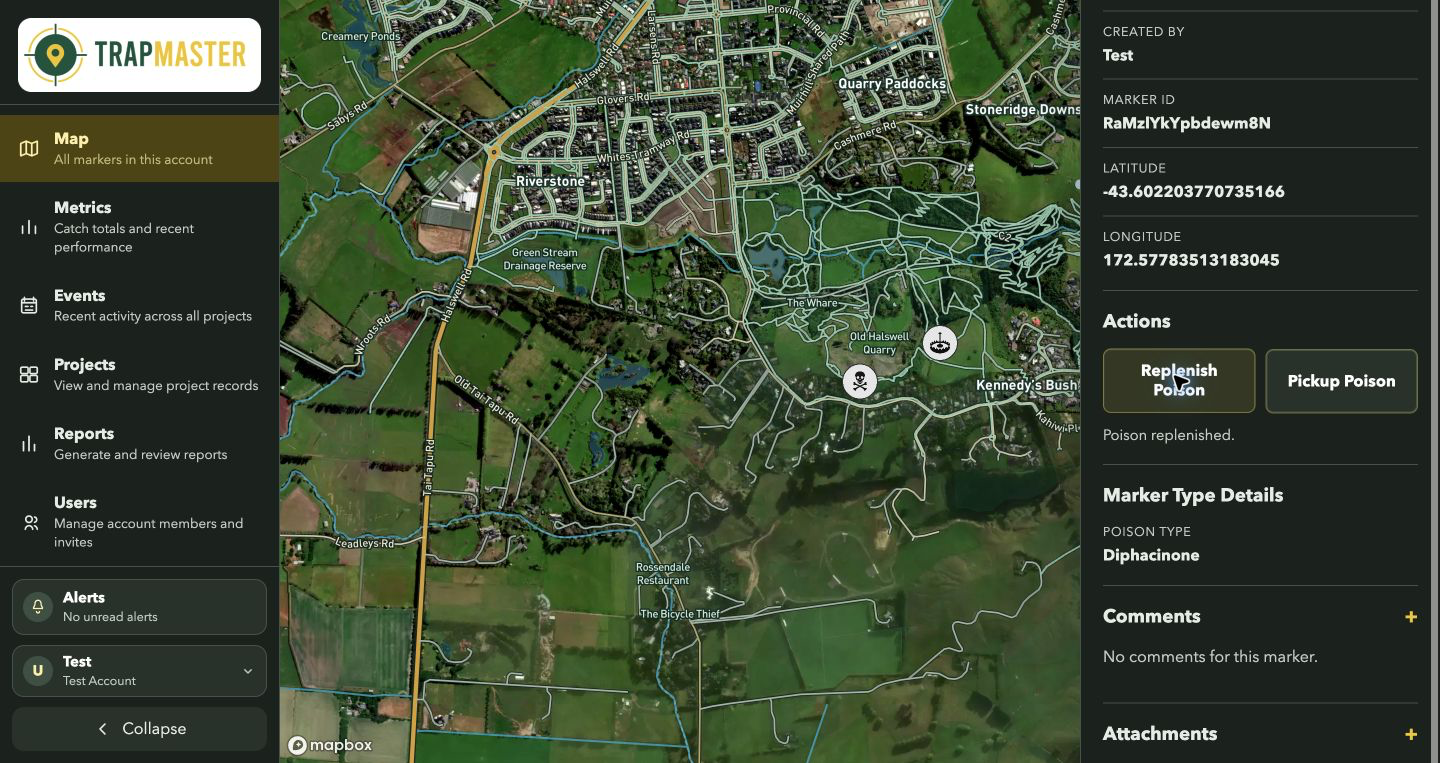
Actual product screens from a demonstration project.
iPhone, iPad & Android
Create your account, download the app, then sign in. Already have an account? Choose your download below.


Create your account for immediate access to a 7-day trial. No credit card needed.
Install Trap Master on iPhone, iPad or Android, then sign in with your new account.
Add your traps or stations and record a visit. Download your map area before working offline.
Online portal
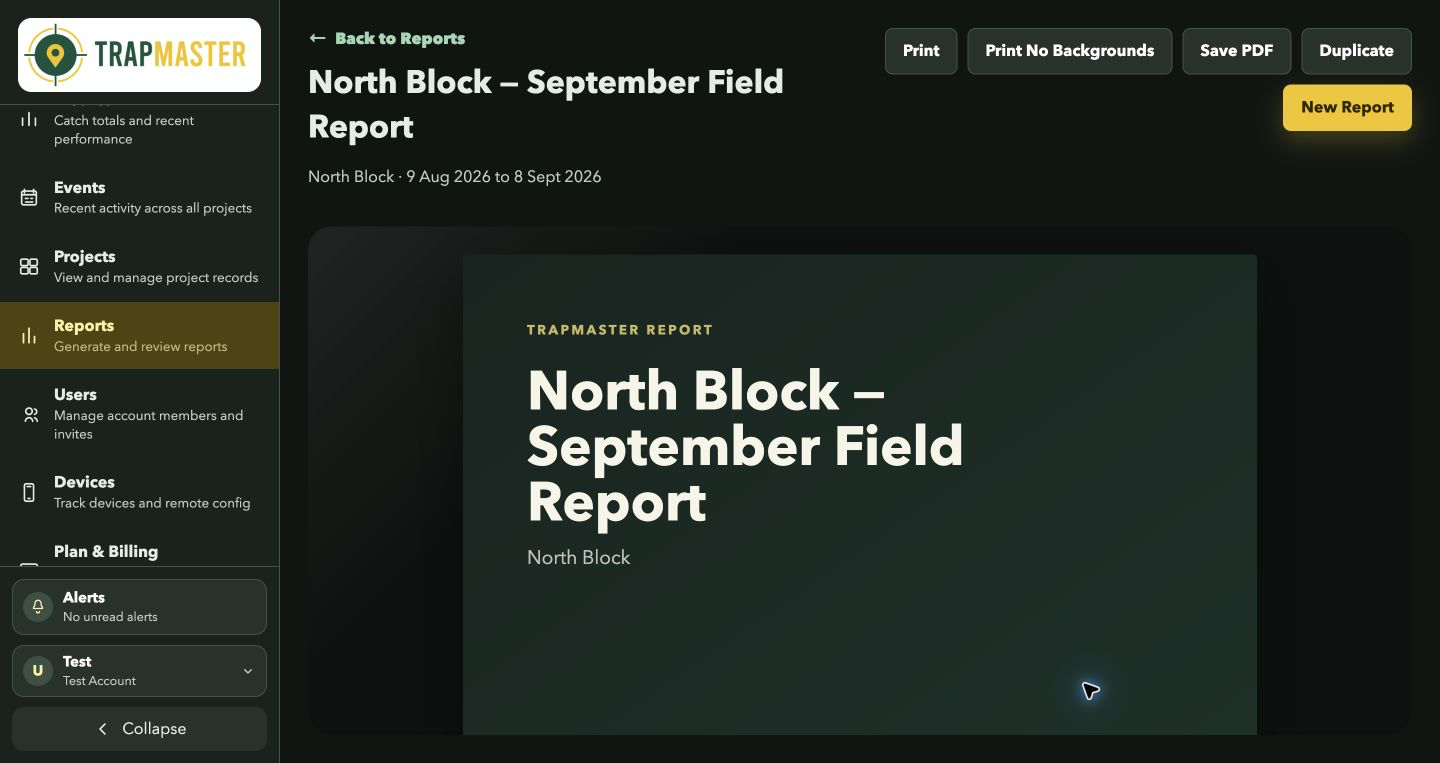
Review your team’s synced records in the web portal. Choose a project and reporting period, then prepare a report for your client.
Simple monthly pricing
Start with 7 days free. Subscribe and add a credit card for another 30 days to try it—your first charge is 30 days after adding the card.
Start a free trialImmediate access · No credit card needed to start
US$10 / month
Plus US$5 per additional user / month
Working solo: US$10/month.
Three people: US$20/month.
All prices in US dollars. Monthly billing starts 30 days after you subscribe and add a card.
FAQ
Yes. Download your map area while connected, then record field activity offline. Reconnect afterwards to sync your work. Read the offline setup guide.
Yes. Keep a station’s location, activity notes and replenishment history in one record. Return to the same marker when you service it. See the bait-station guide.
To continue, subscribe and add your credit card. You get another 30 days to try Trap Master, with no charge for 30 days after the card is added. Monthly pricing is US$10 plus US$5 for each additional user.
You can work solo or share projects with a crew. If you work outside New Zealand, tell us where you operate and we can help check the setup for your work.
Need a hand?
Tell us about your work and we’ll help you get started. You can start your free trial immediately without contacting us.
Prefer email? [email protected]