
Working together · Mobile & web
Assign and complete a task
Mark where work is needed, assign it to a teammate and record completion.
Mobile app instructions
01
Place the task
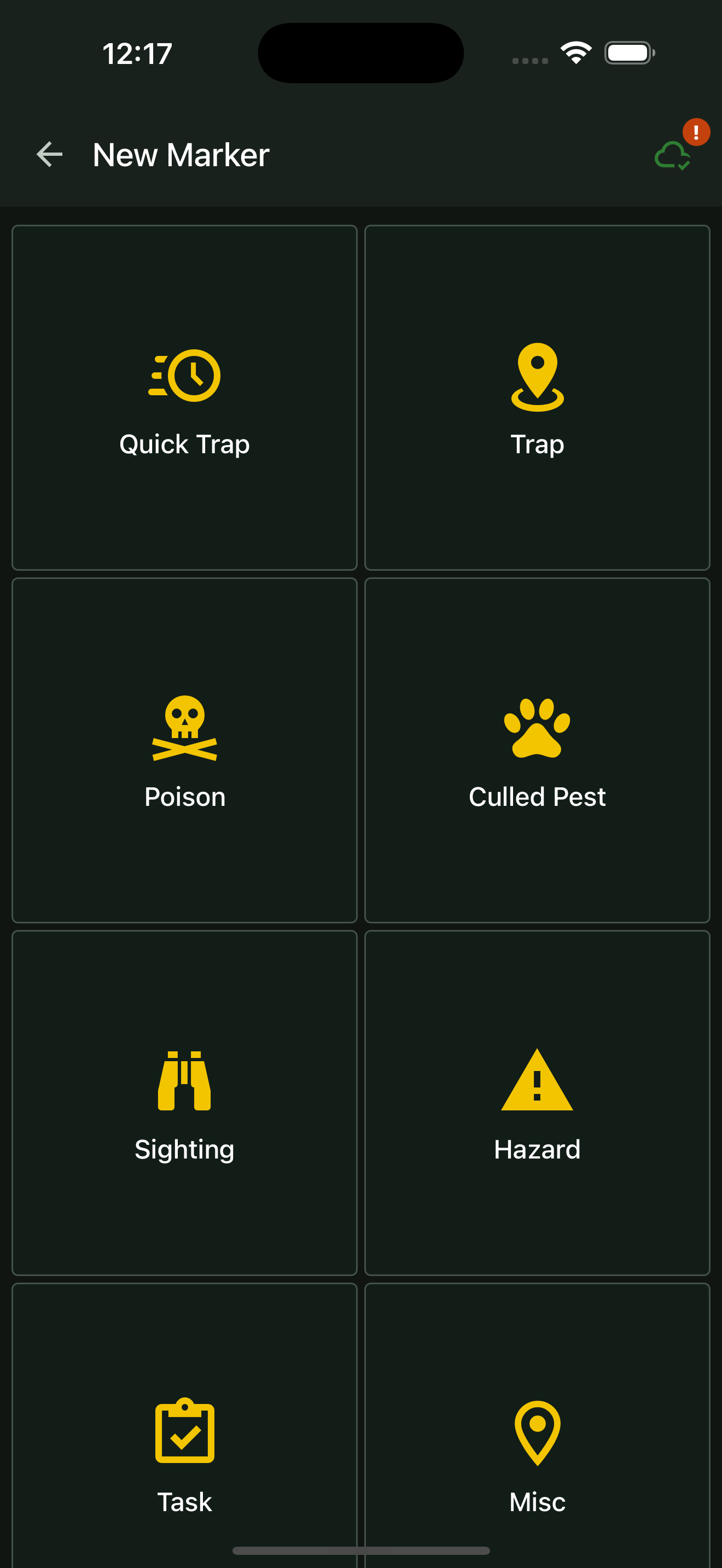
Press and hold the work location on the project map. In New Marker, choose Task.
02
Describe and assign the work
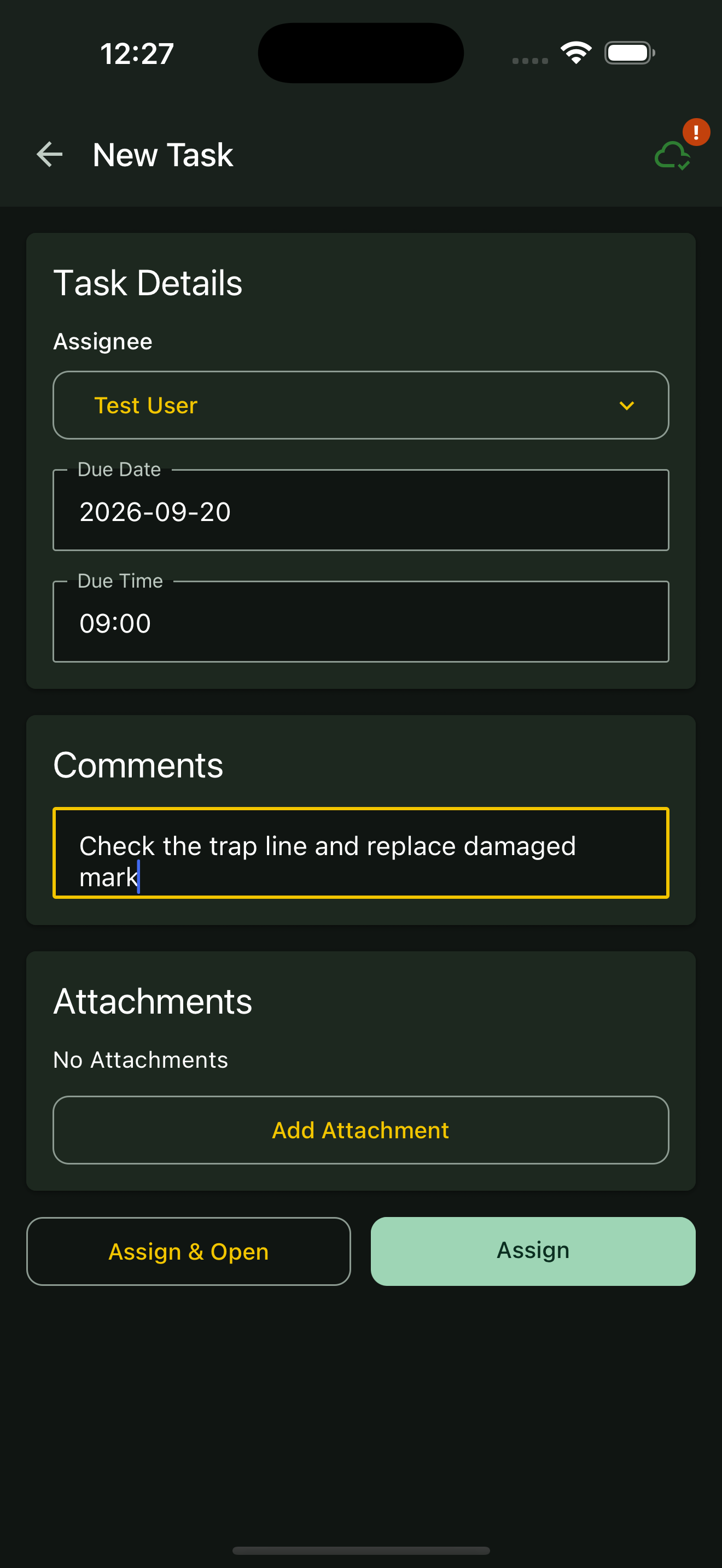
Choose an Assignee. Add comments explaining the job. If there is a deadline, enter both Due Date as YYYY-MM-DD and Due Time as HH:MM.
03
Save the assignment
Tap Assign or Assign & Open. Sync when connected so the task can reach your team.
04
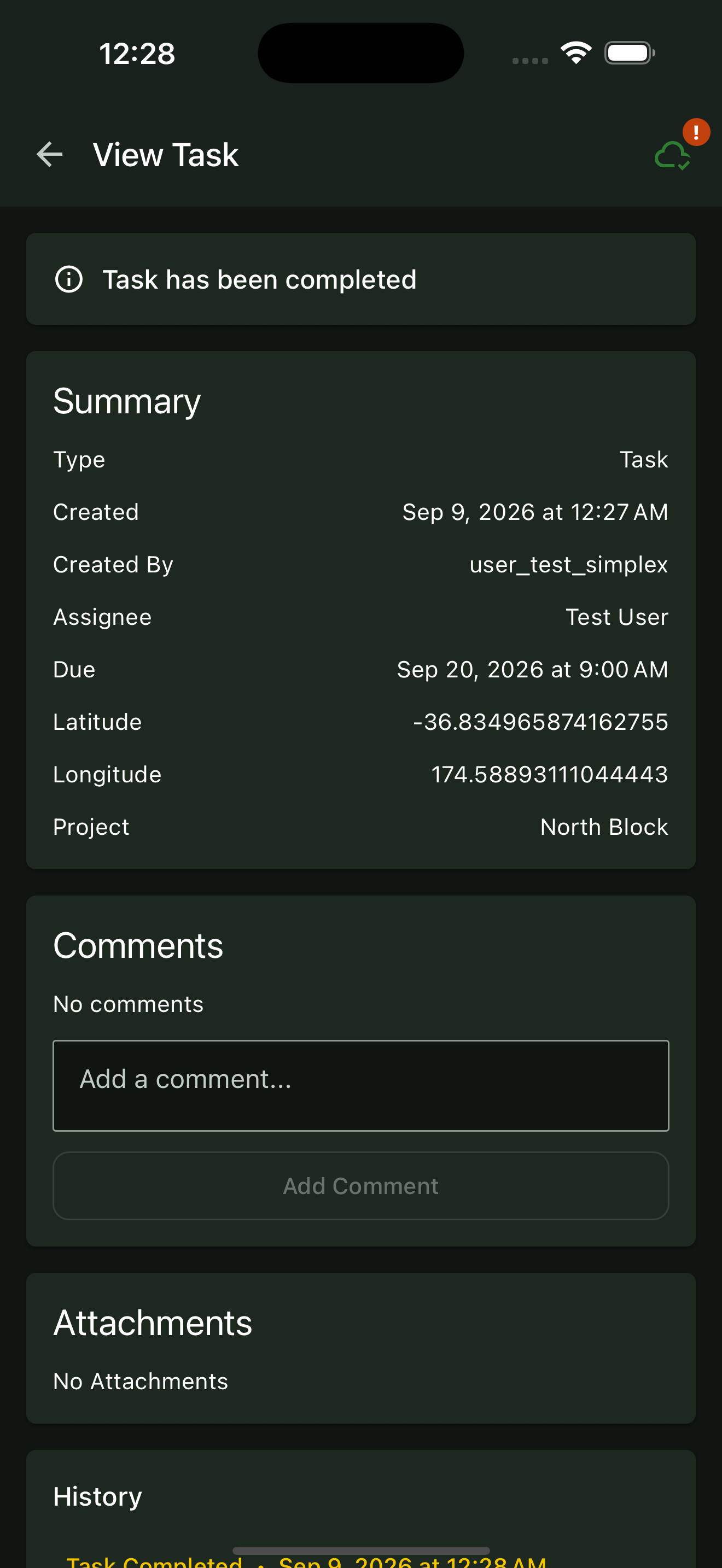
Complete the task
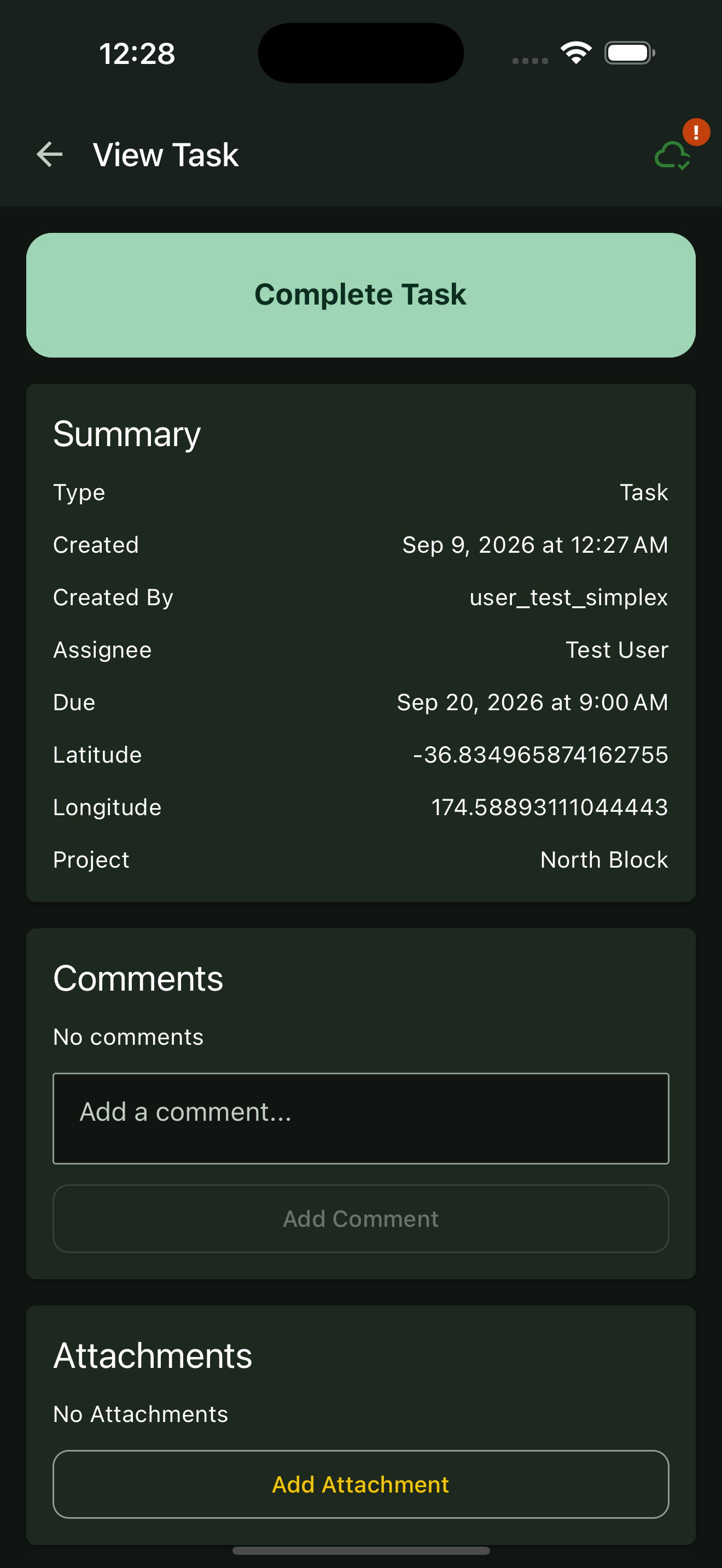
After finishing the work, select the task marker and tap Open. Add comments or attachments showing what was done, then tap Complete Task. Check the task history and sync the update.
Web portal instructions
01
Choose the task location
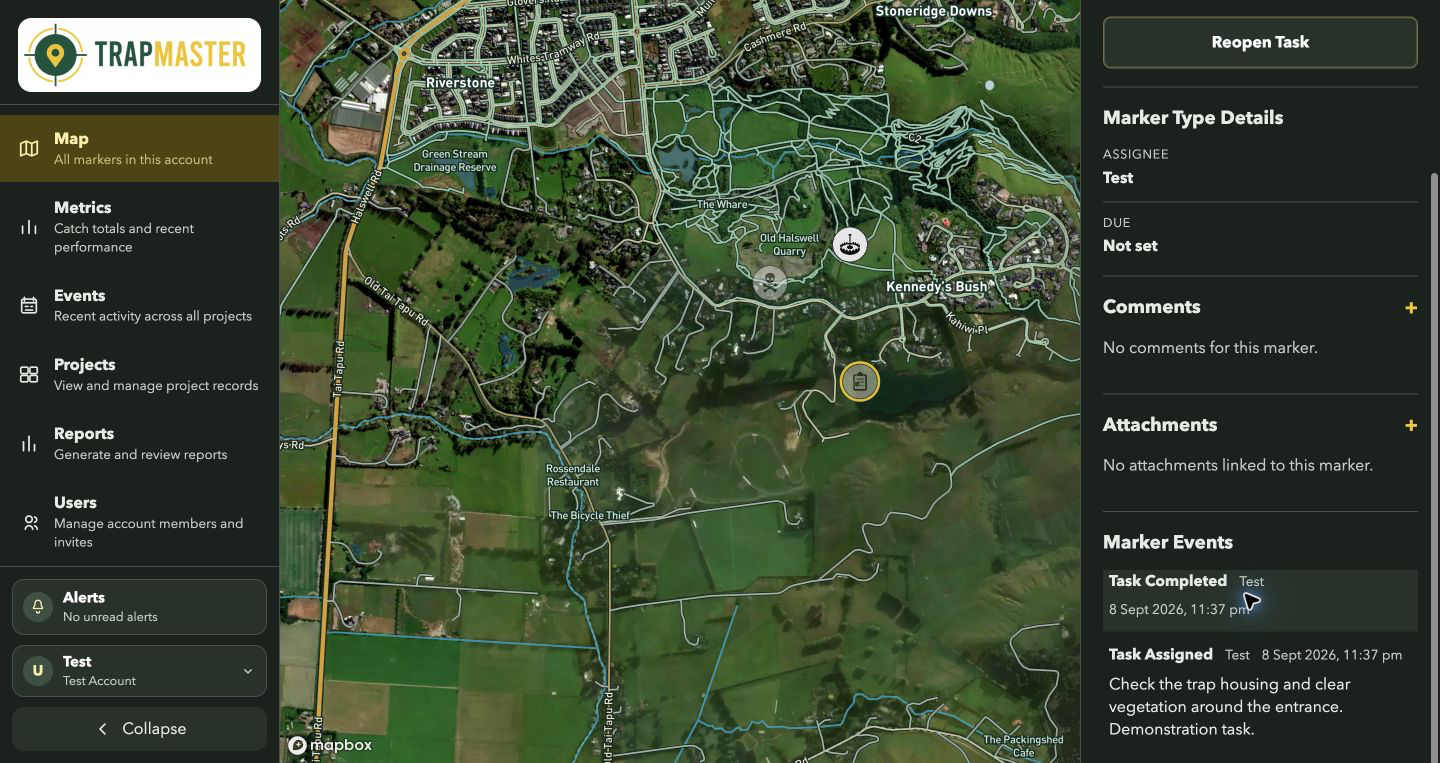
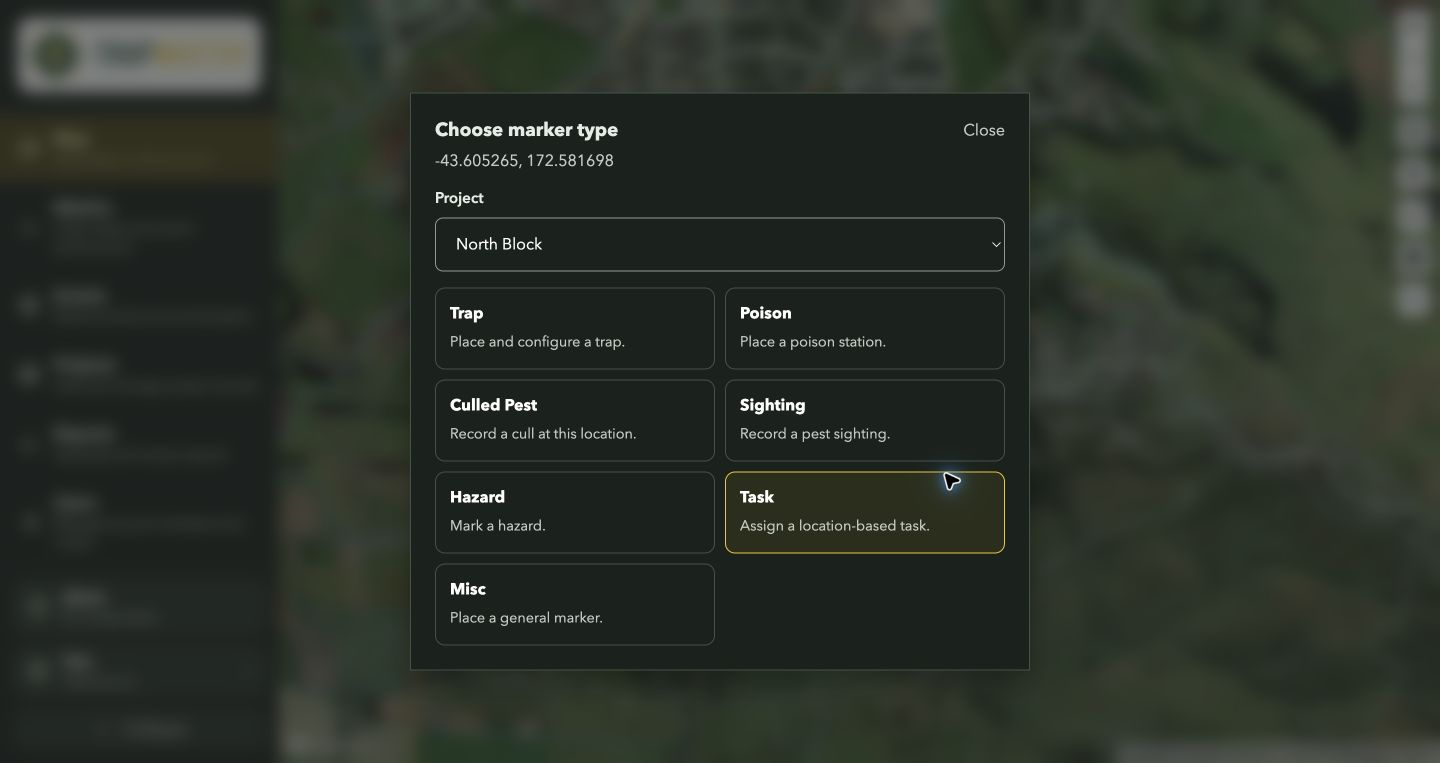
Click Place a marker, then click where the work is needed. Check the Project selection and choose Task.
02
Enter the assignment
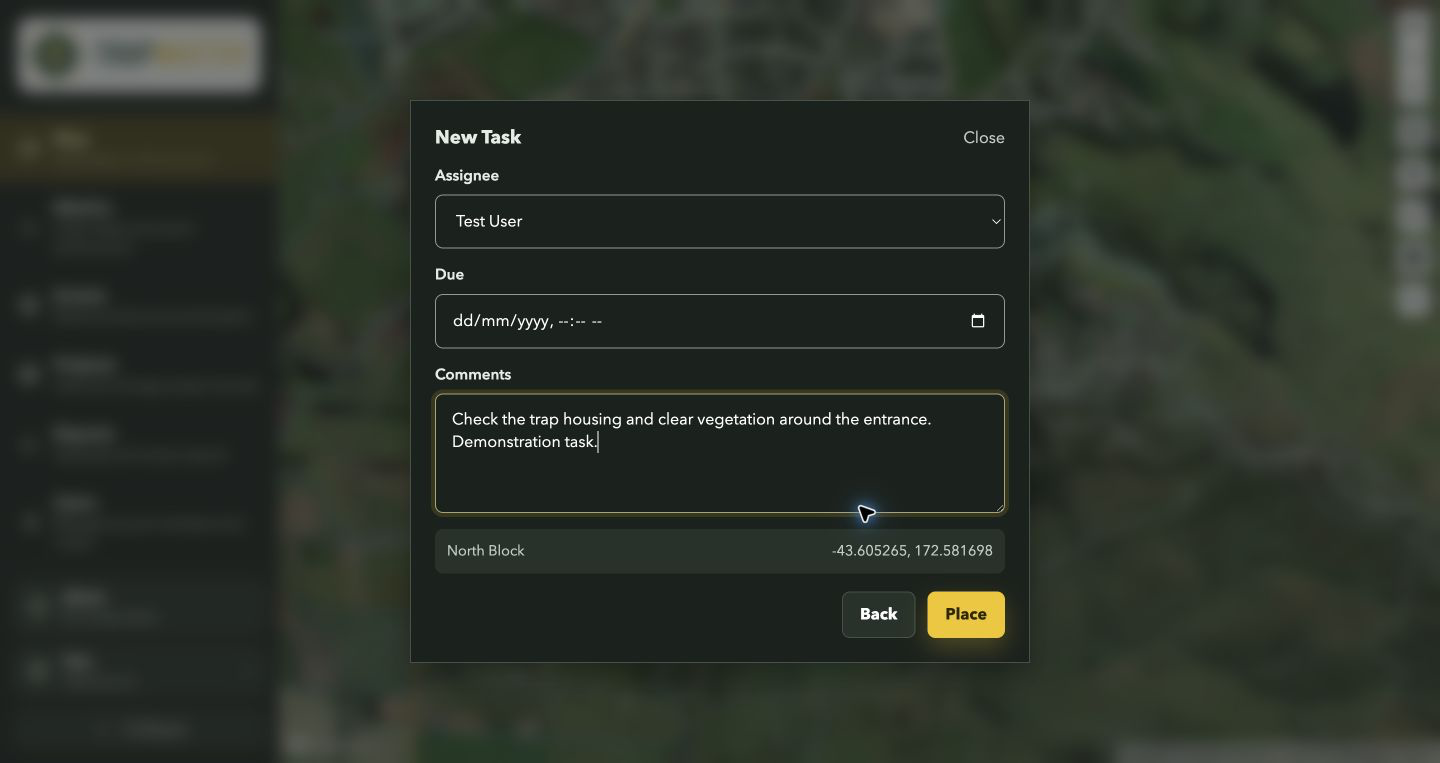
Select the Assignee, set Due if needed, and describe the job in Comments.
03
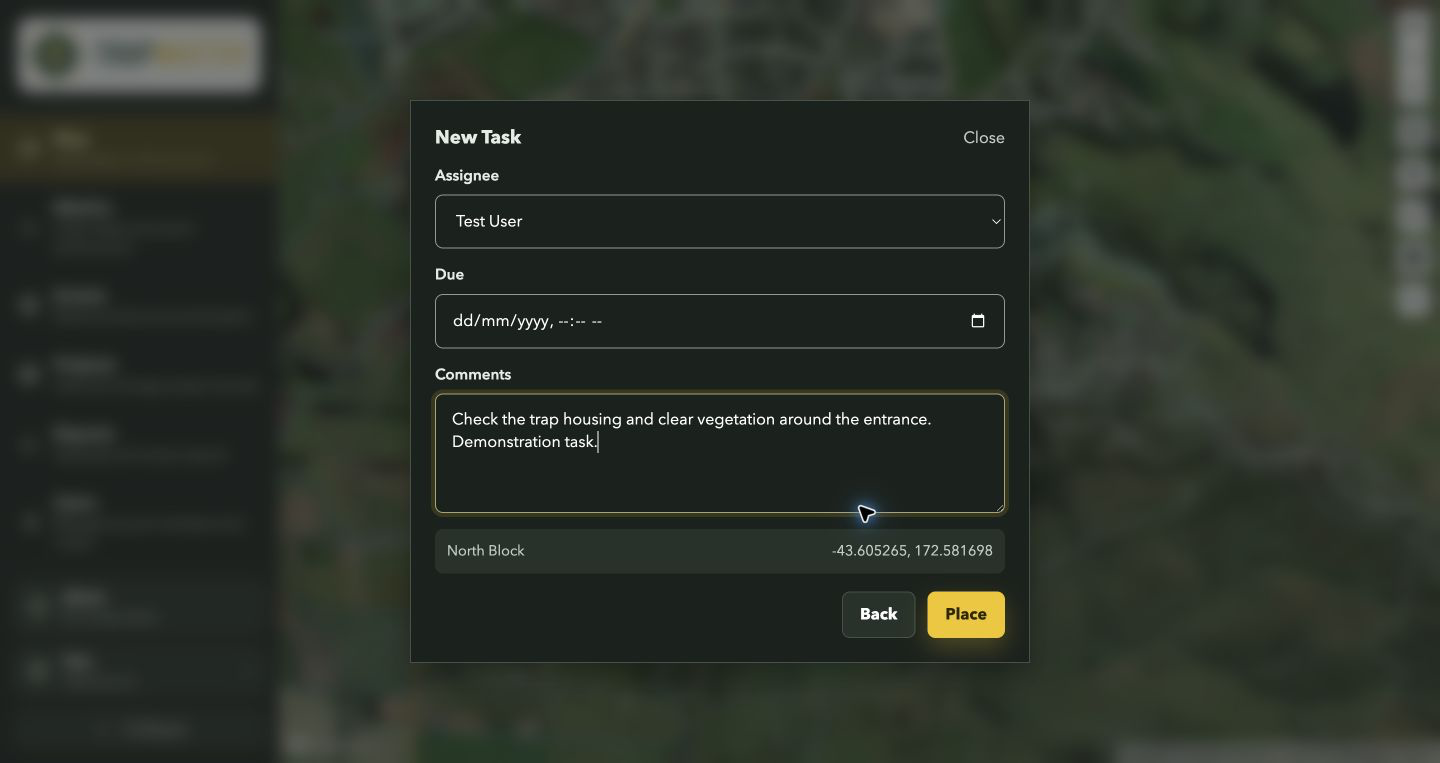
Place the task
Click Place to save the task marker. The assignee needs to sync their app to receive the latest project data.
04
Record completion
Select the task marker after the work is finished. Add any completion comments or attachments, then click Complete Task and check the event history.