In the field · Mobile & web
Place and service a bait station
Map a bait station and record replenishment or removal.
Mobile app instructions
01
Choose the location
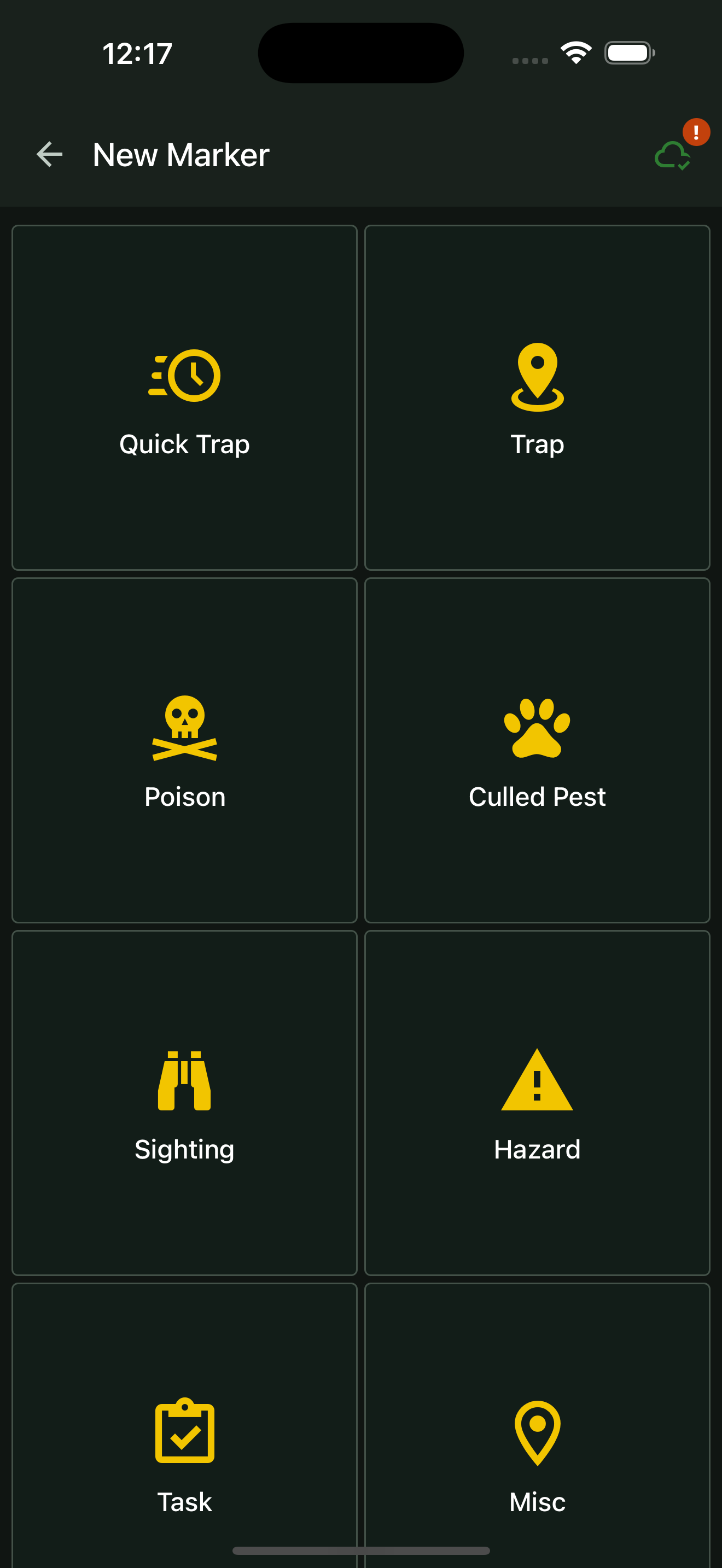
Press and hold an empty spot at the station’s location on the project map. In New Marker, choose Poison.
02
Add the station details
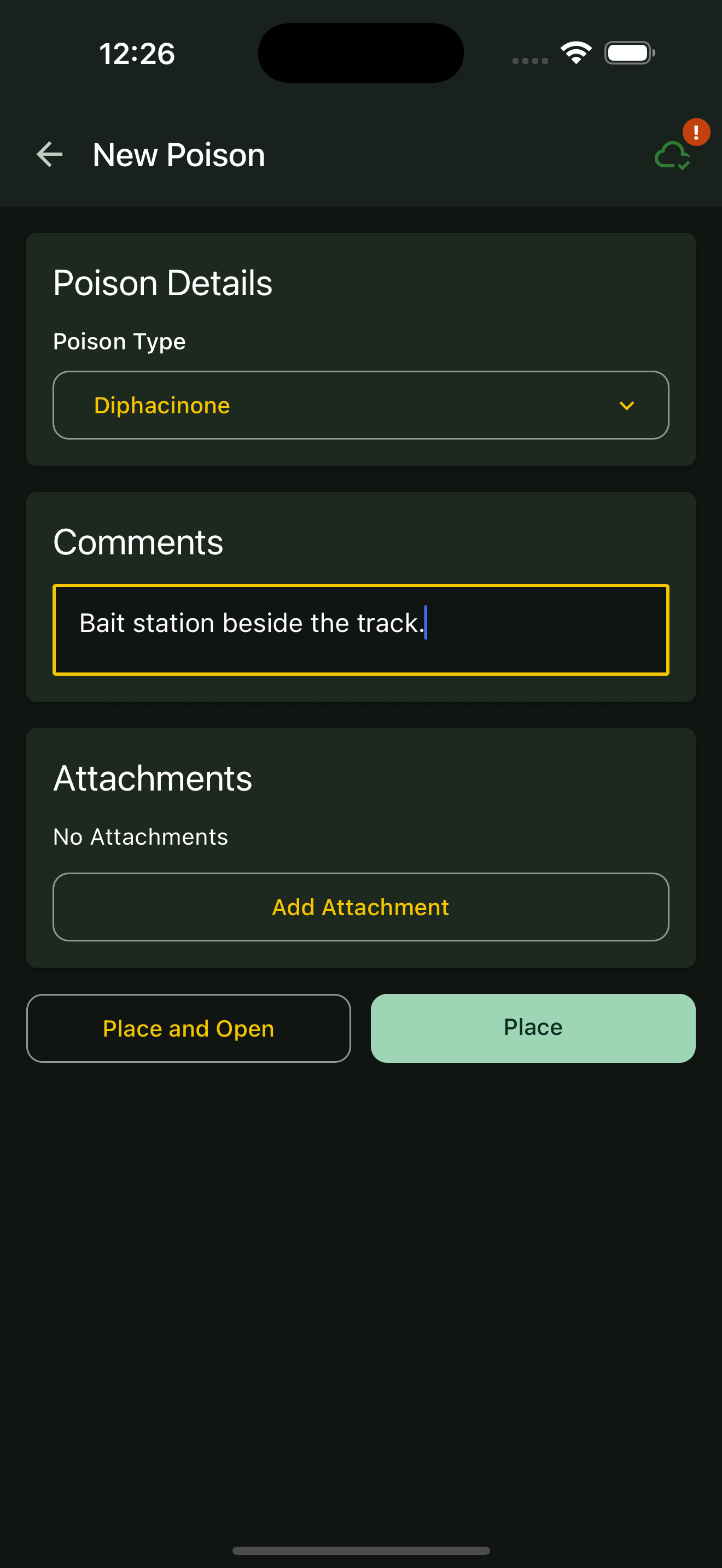
Choose Poison Type. Add comments or attachments to identify the station, then tap Place or Place and Open.
03
Record a service visit
On a later visit, select the existing marker and tap Open. Tap Replenish when you replenish it. Add a comment with any other observations or work completed.
04
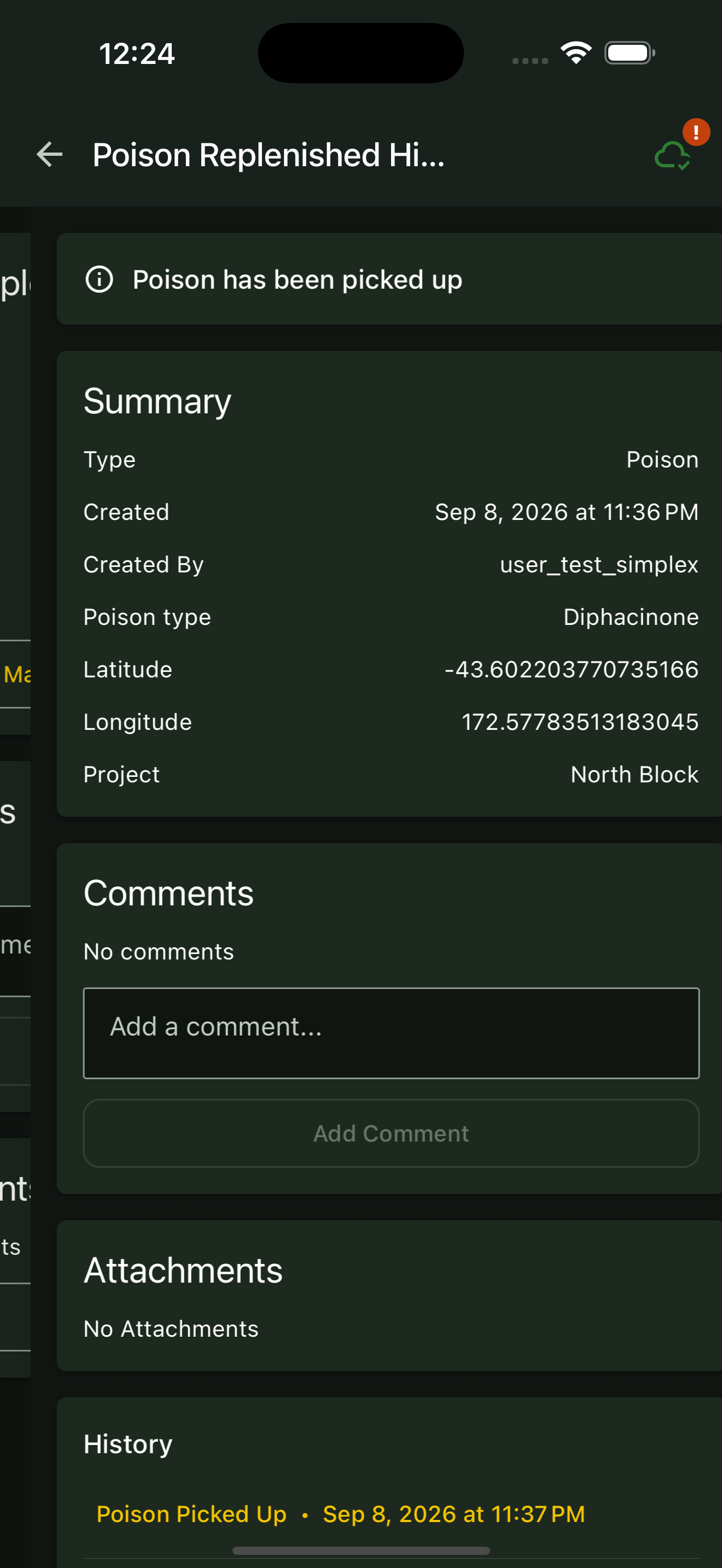
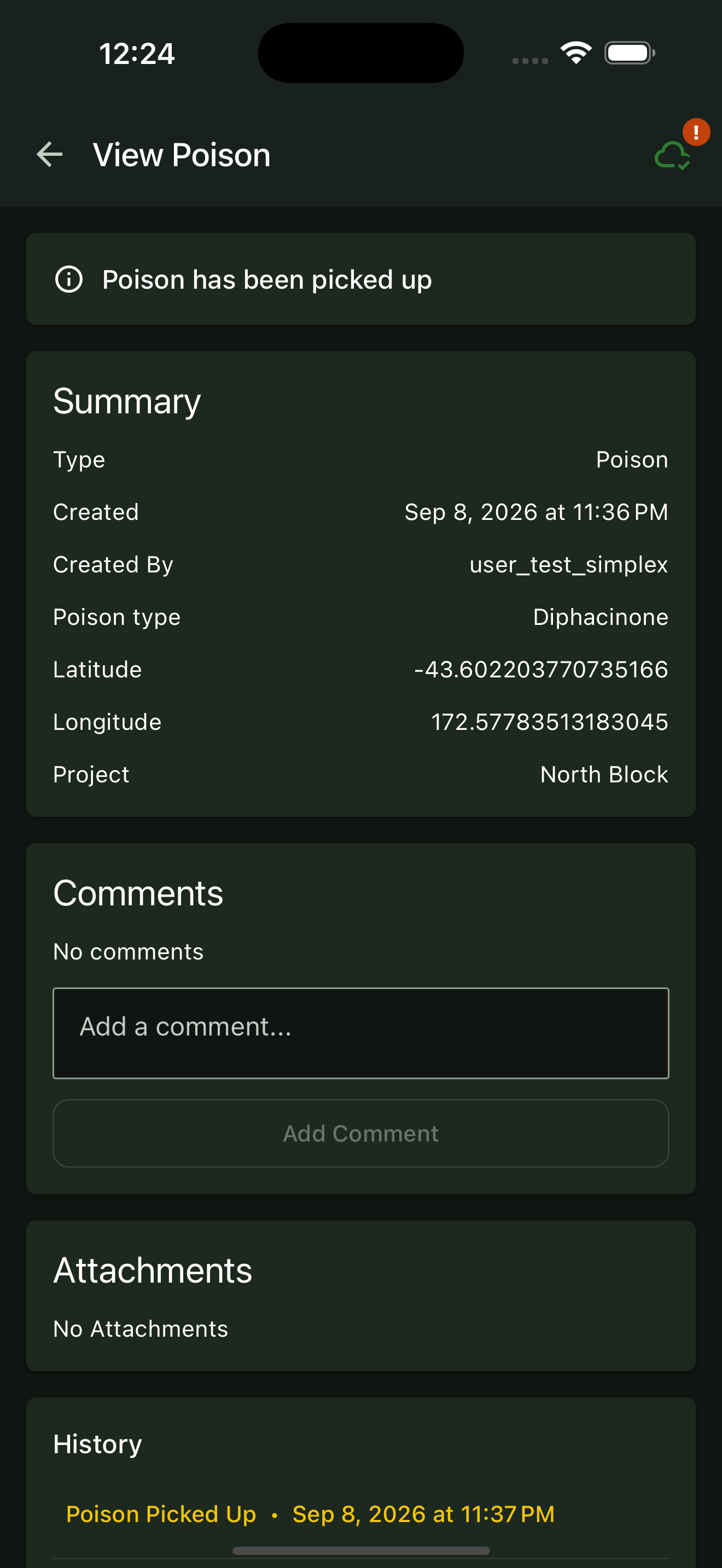
Record removal
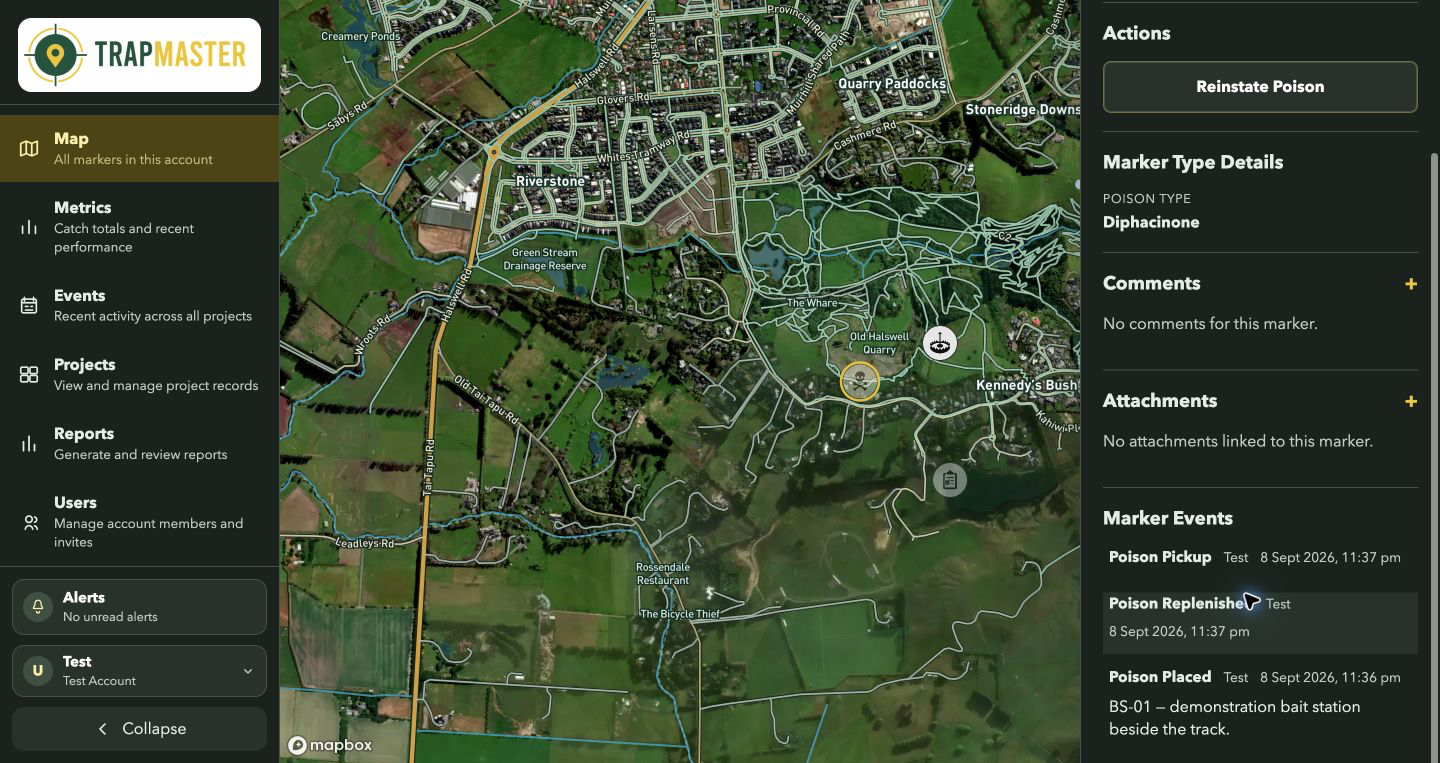
When the poison is picked up, open the marker and tap Remove Poison. Check the history for the removal record.
Web portal instructions
01
Place a Poison marker
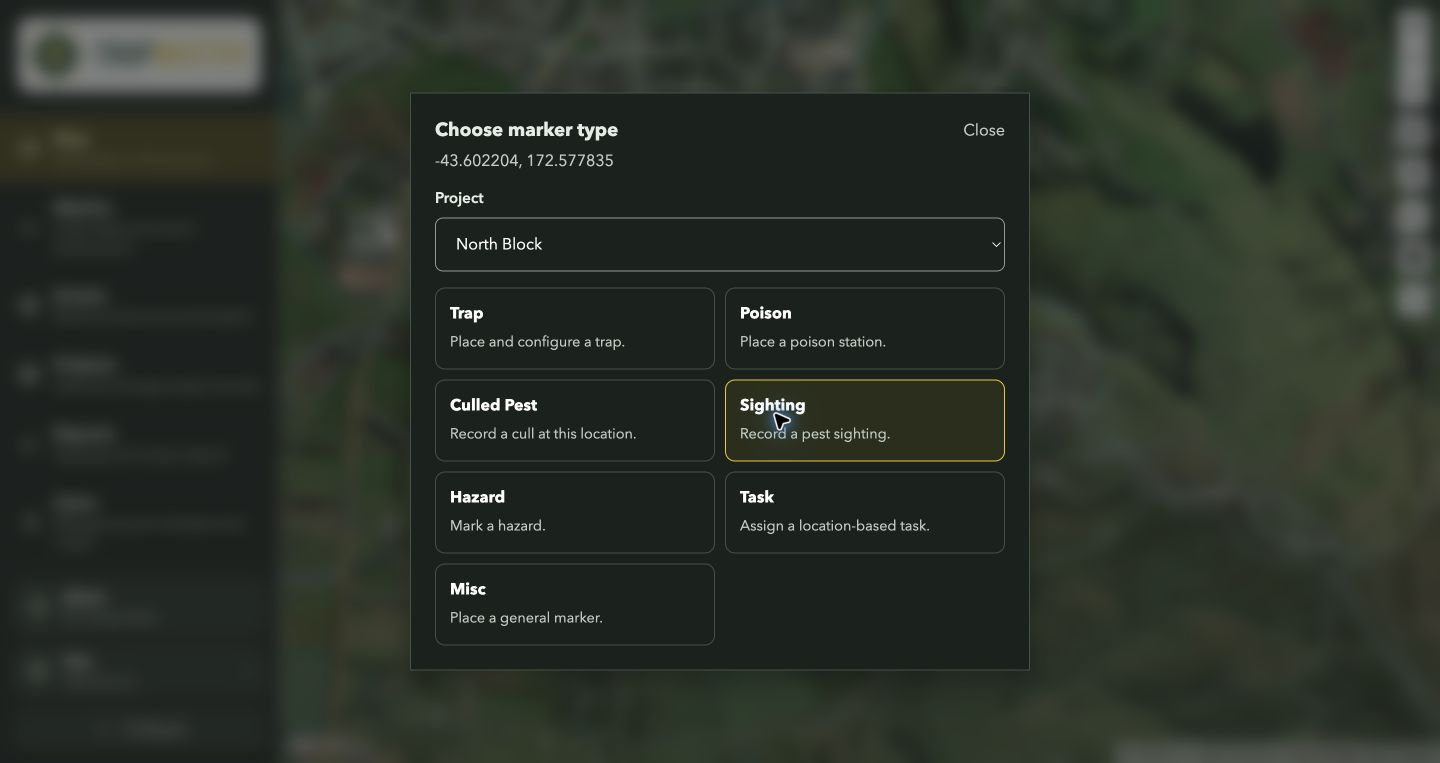
Click Place a marker, then click the station’s location. Check the Project selection and choose Poison.
02
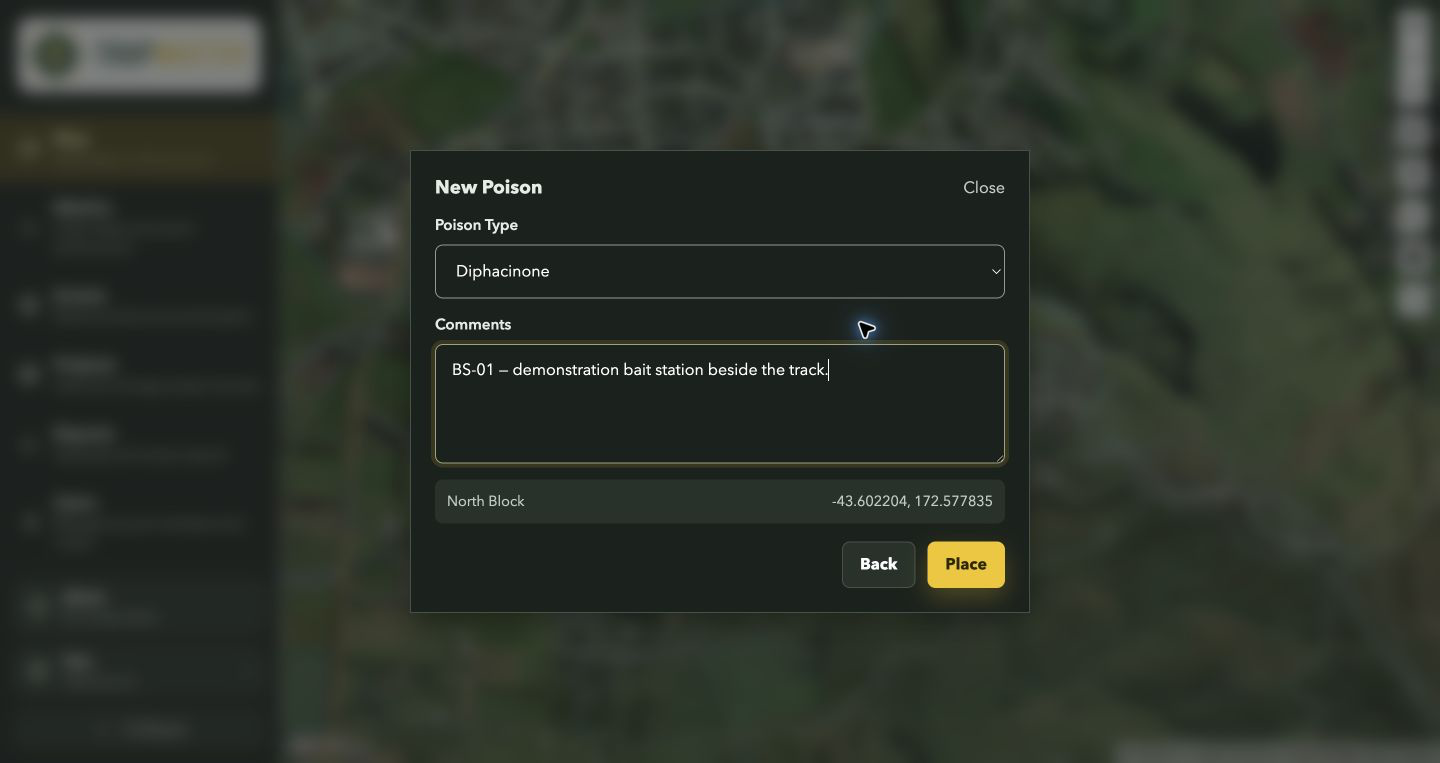
Save the details
Select Poison Type, add identifying details in Comments, then click Place.
03
Record replenishment
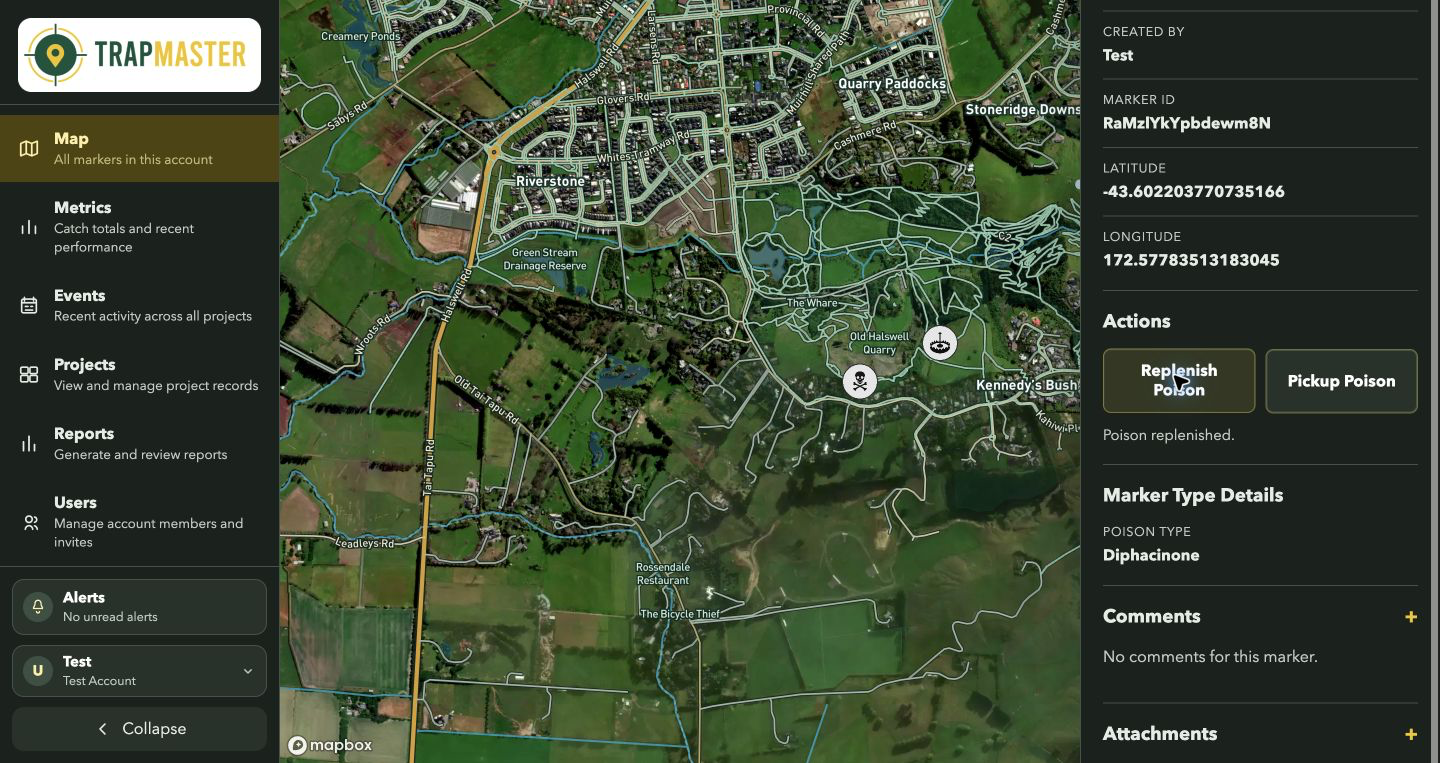
Select the existing marker on the map and click Replenish Poison. Use + beside Comments to add service notes, then click Post Comment.
04
Record pickup
When the poison is picked up, select the marker and click Pickup Poison. Review its event history to confirm the record.