
Make it your own · Mobile & web
Add your own types
Use the species, trap, bait and poison names that suit your project.
Mobile app instructions
01
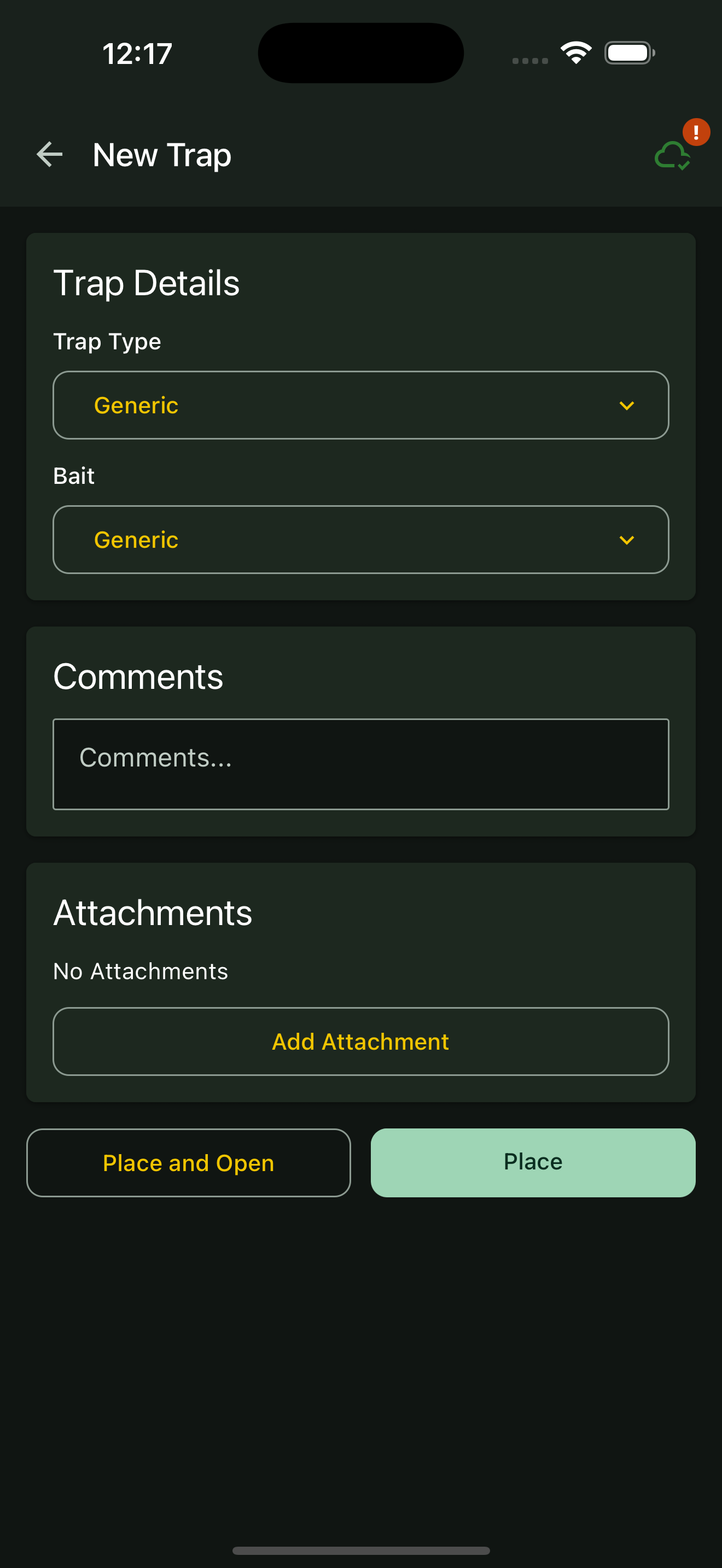
Open the type list
Open the relevant dropdown, such as Species, Trap Type, bait or Poison Type.
02
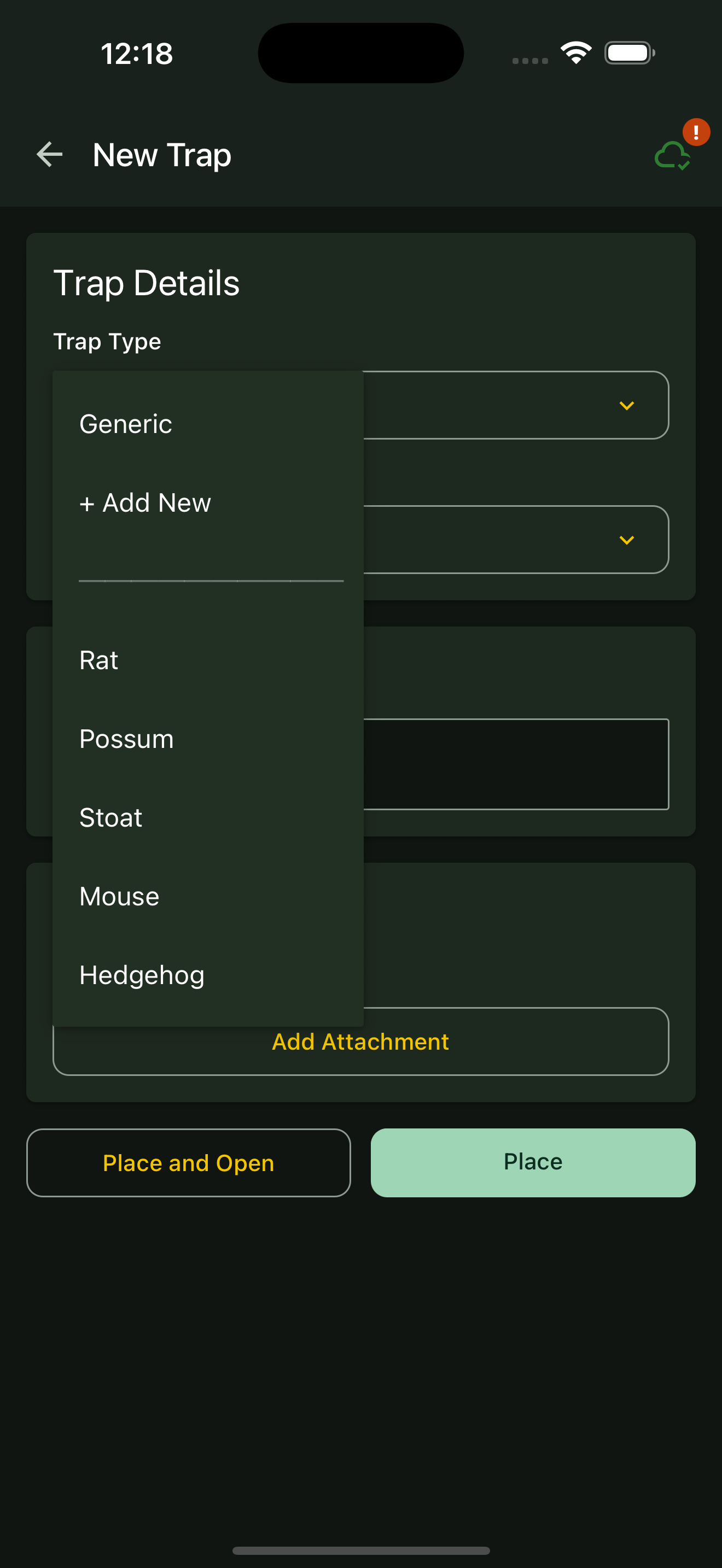
Choose + Add New
Select + Add New and enter a clear name in the field that appears. On the catch shortcut screen, choose Other first.
03
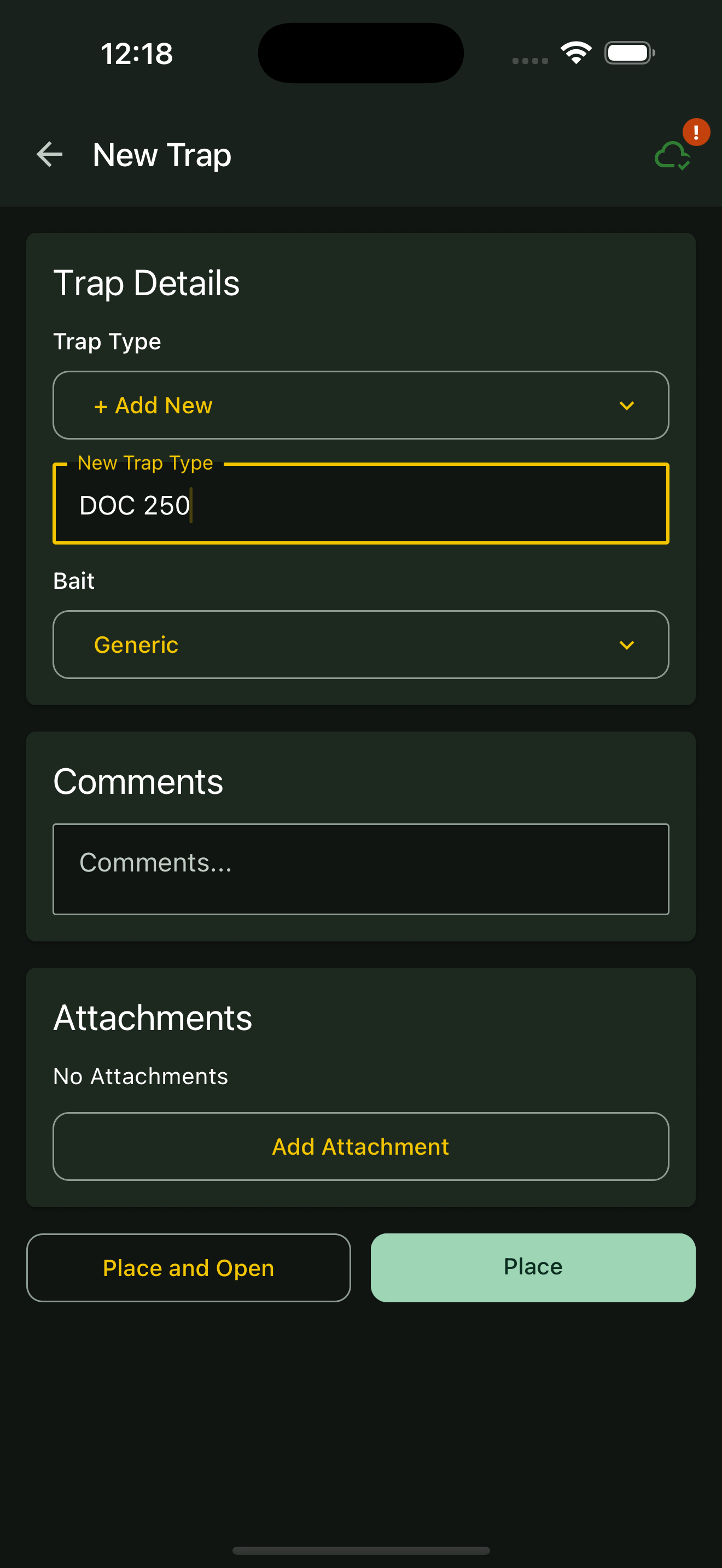
Save the record
Finish the form and tap its Place, Record or Save button. Recorded types help populate the choices in your project.
Web portal instructions
01
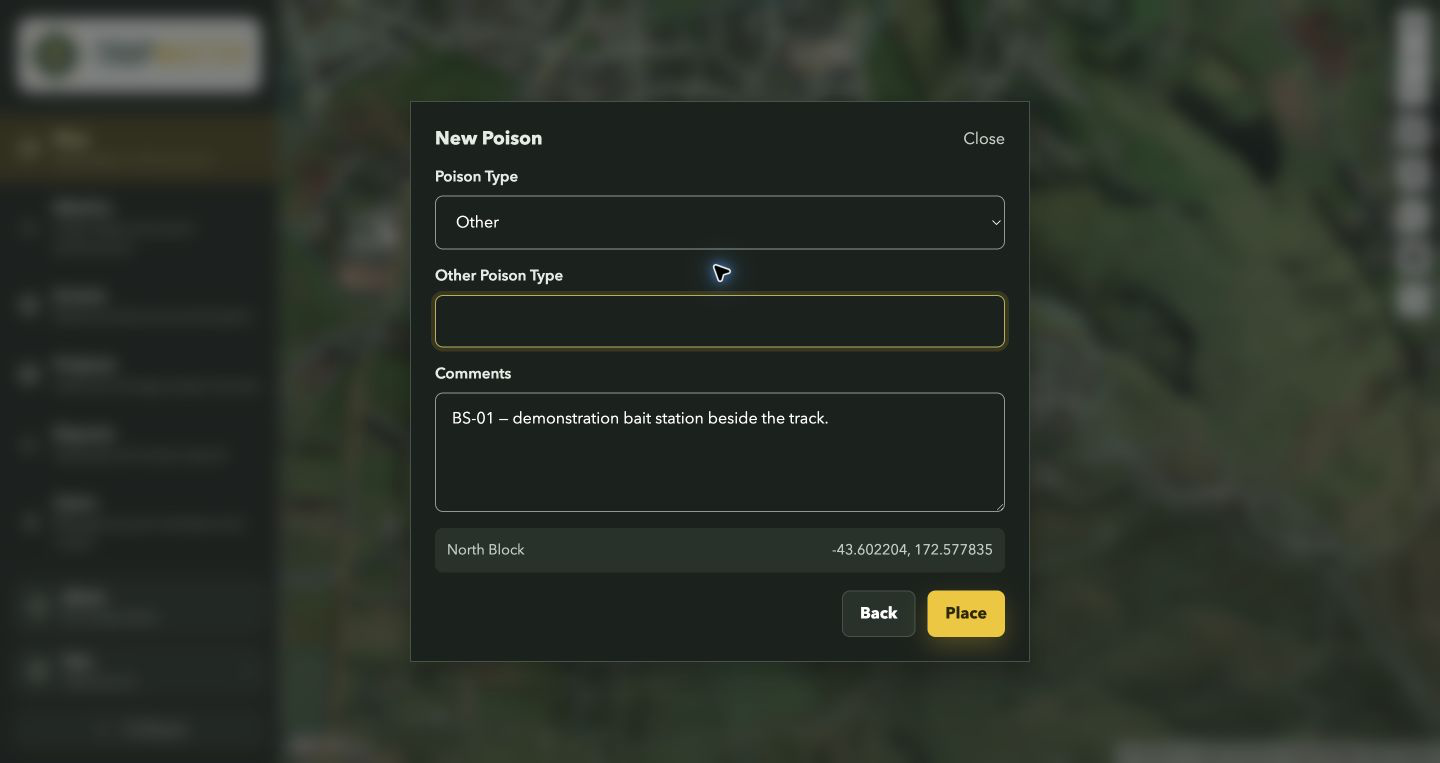
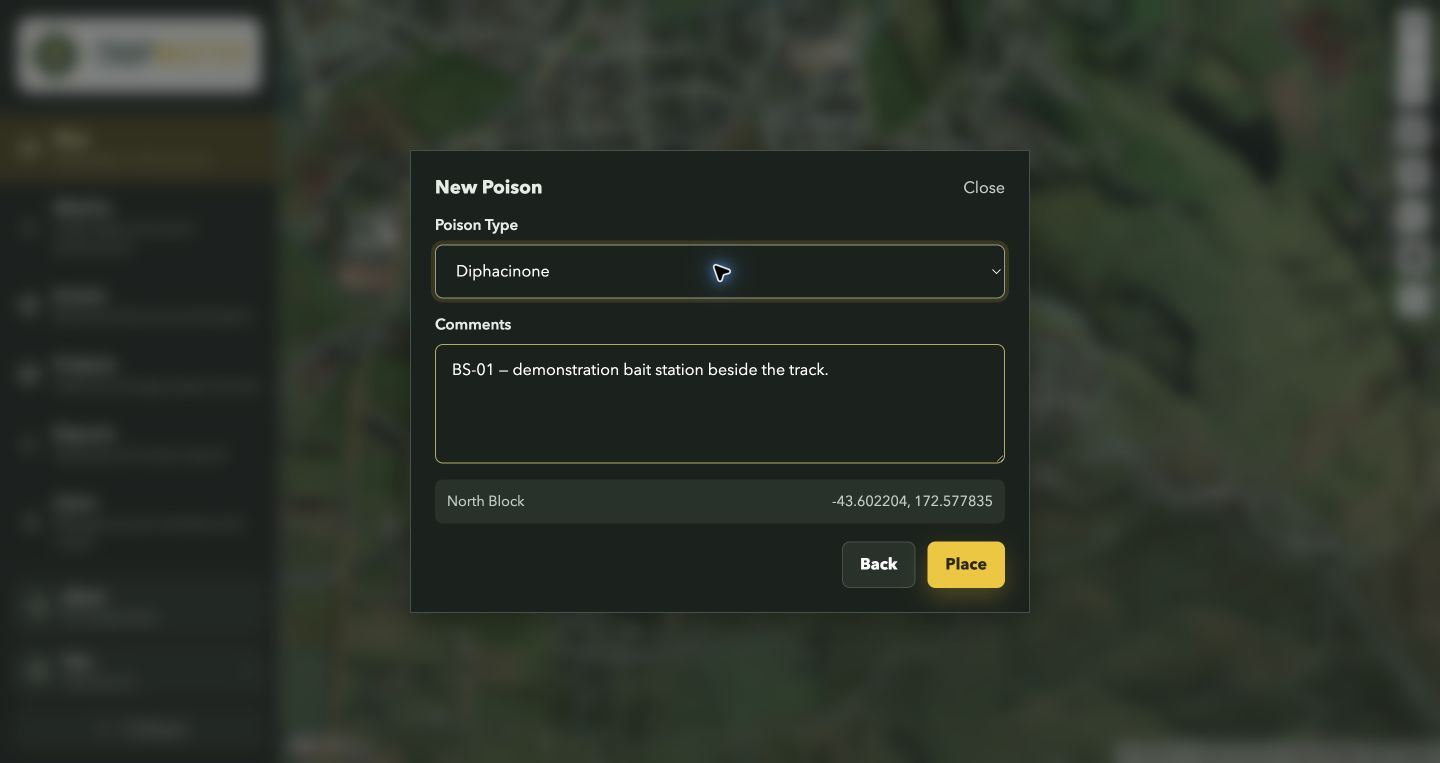
Open the relevant list
Open the Species, Trap Type, Bait Type or Poison Type list.
02
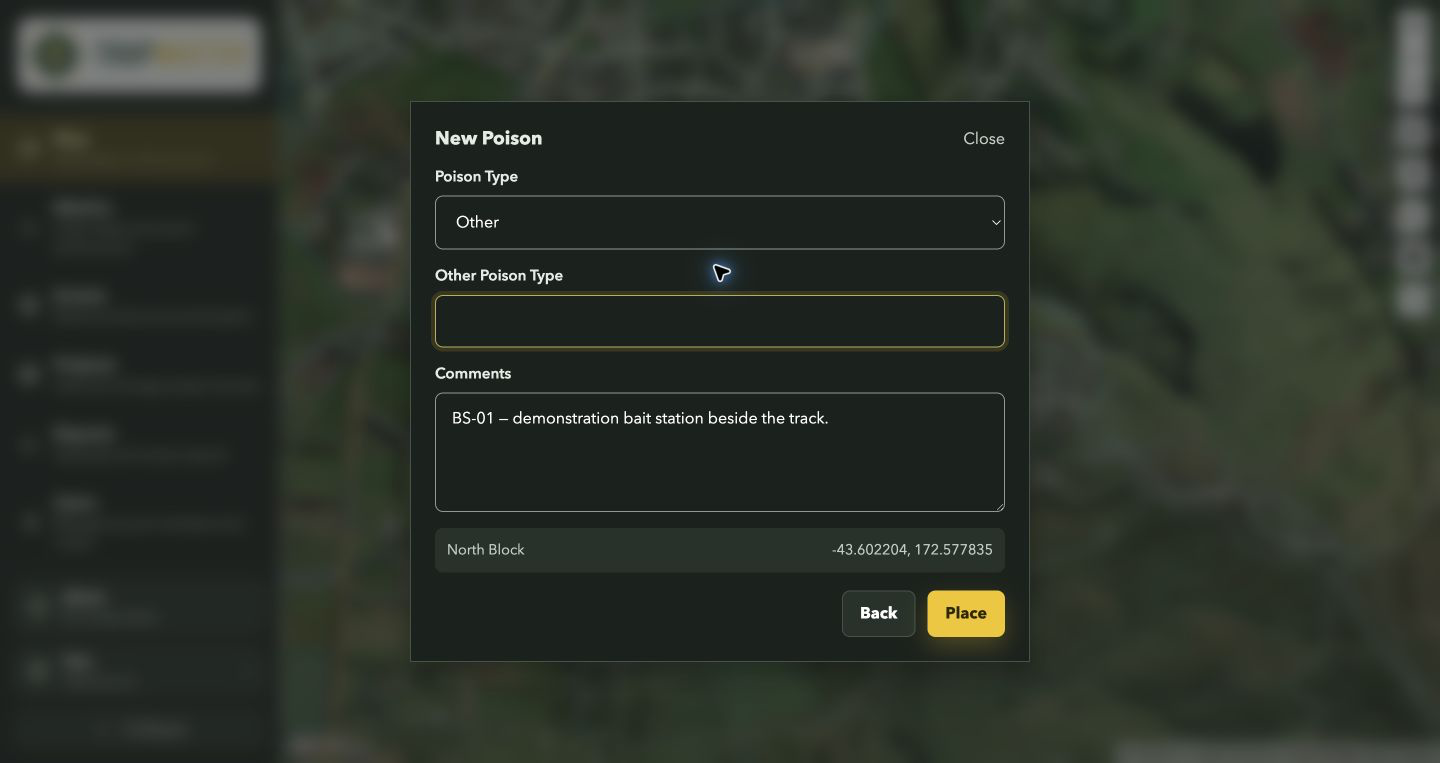
Choose Other
Select Other. Enter the name in the extra field, such as Other Species or Other Poison Type.
03
Save your entry
Complete the form and click Place, Record or Record Catch, as shown. The custom name is saved with that record.