Start here · Mobile & web
Create a project
Give your trapping area a home. Keep its markers and field activity together.
Mobile app instructions
01
Open the project menu
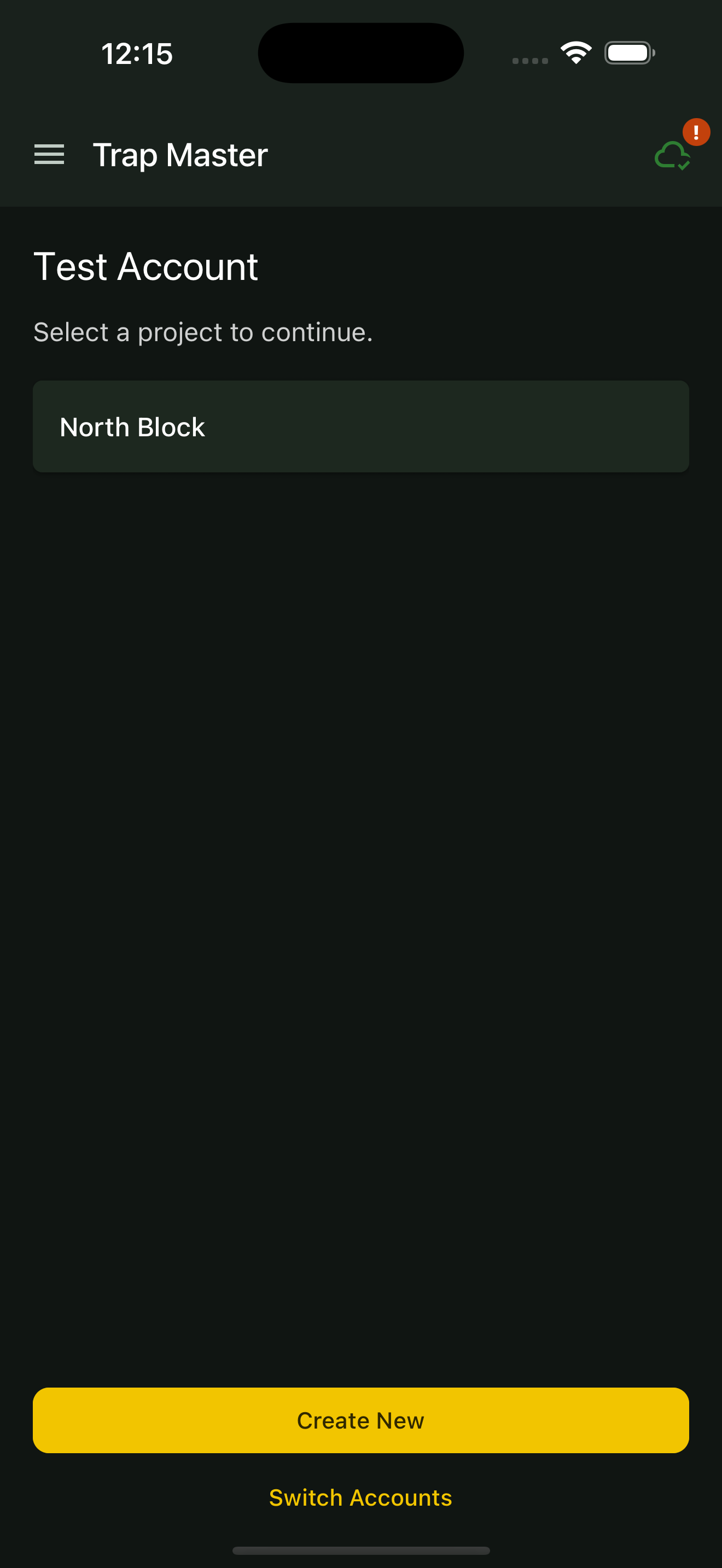
Open the app’s project menu and select New Project.
02
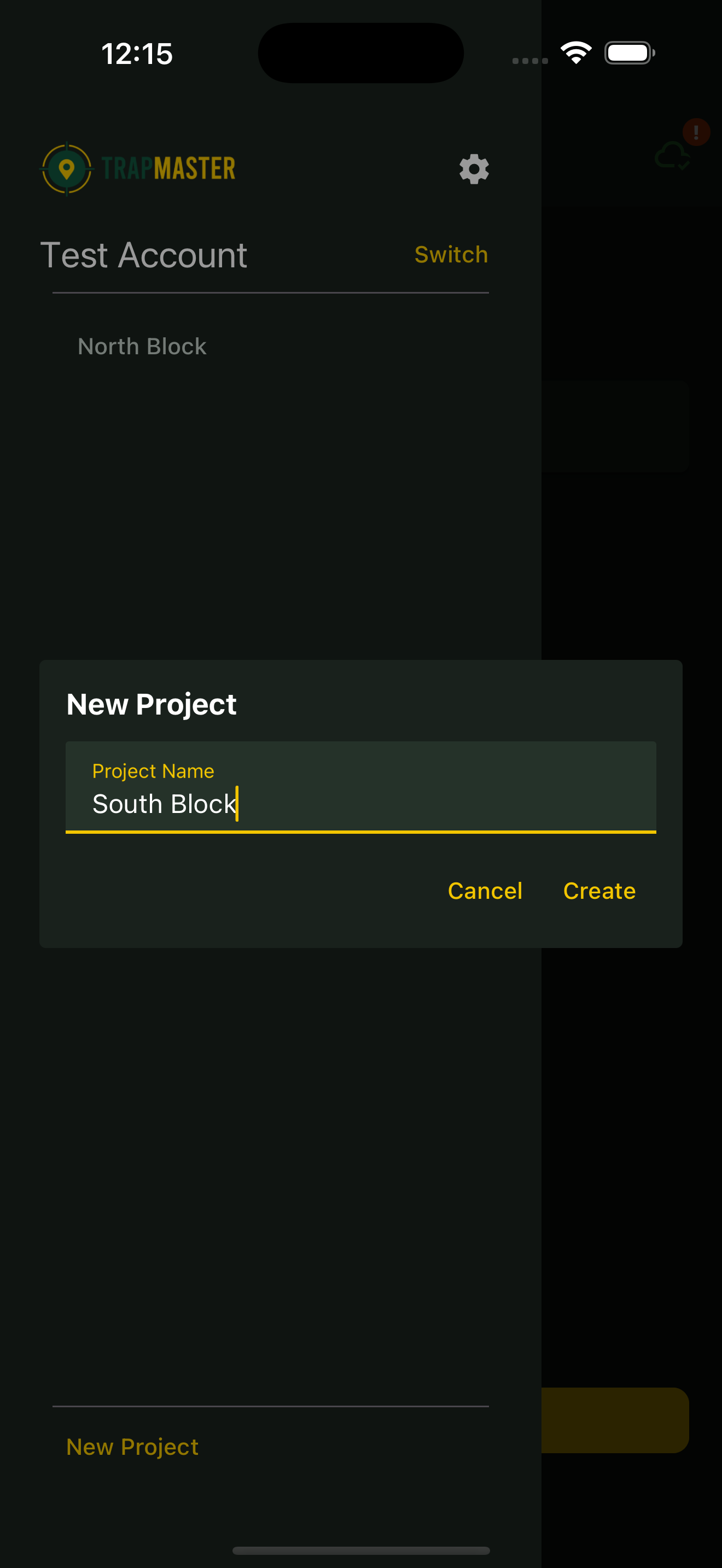
Name your project
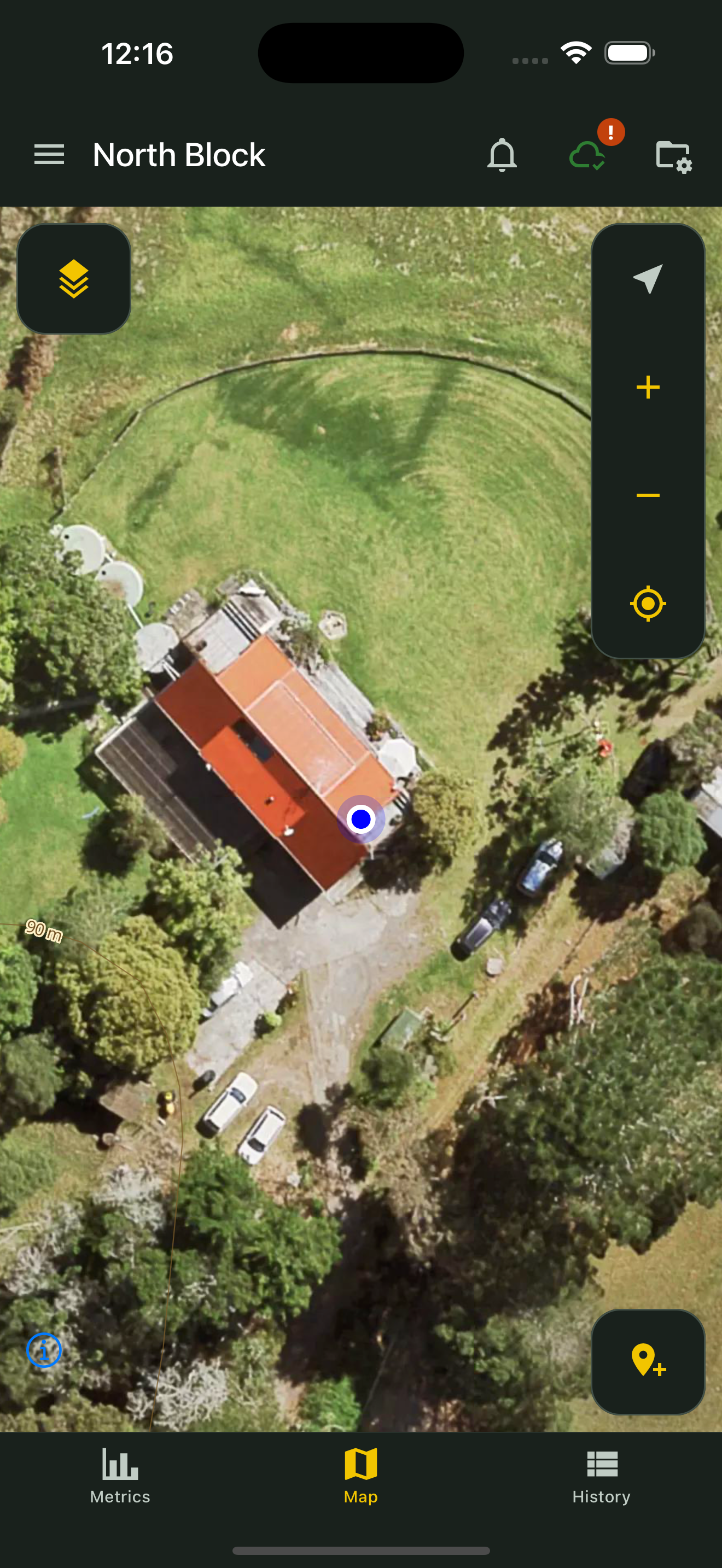
Enter a Project Name that is easy to recognise, such as “North Block”. Tap Create.
03
Start adding markers
Open your project and go to its map. You are ready to place your first trap.
Web portal instructions
01
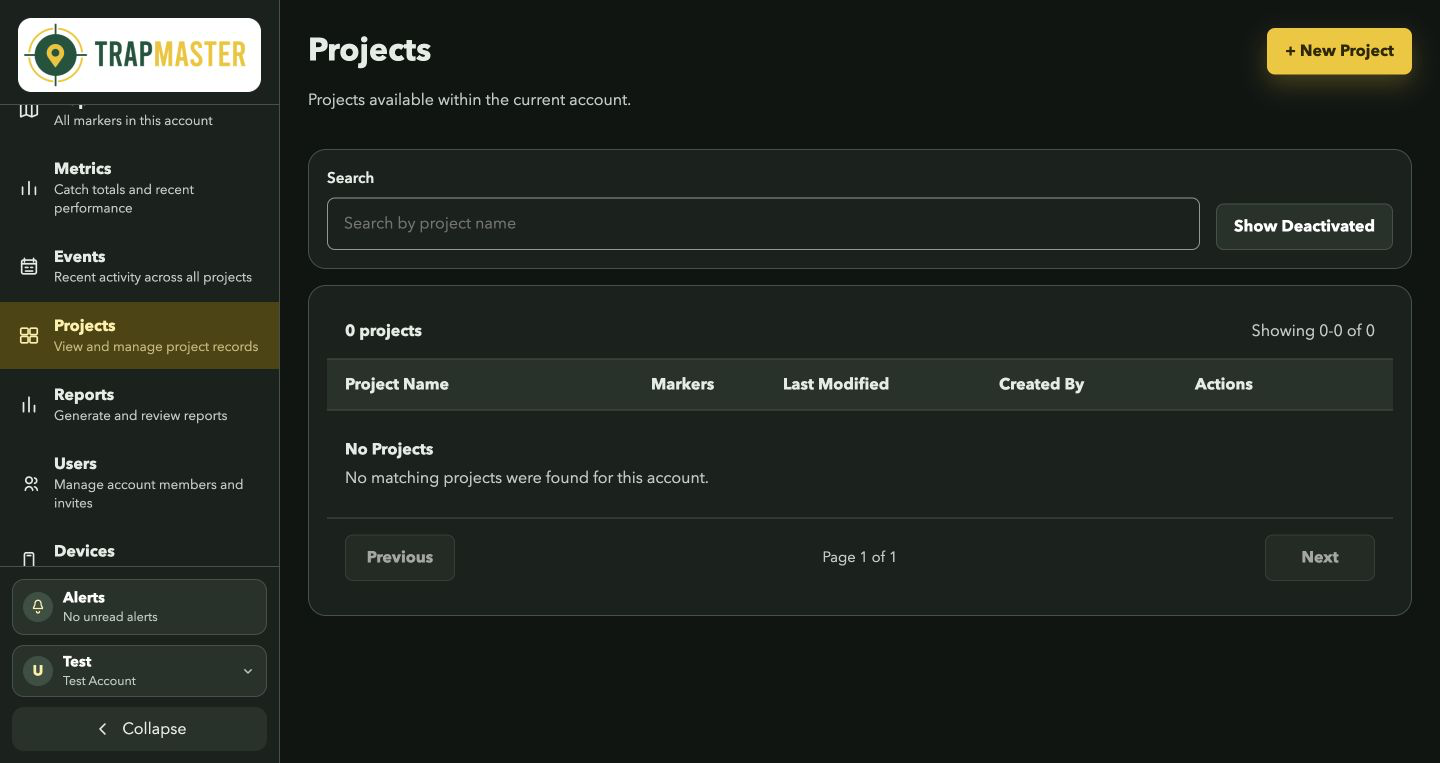
Open Projects
Go to Projects and click + New Project.
02
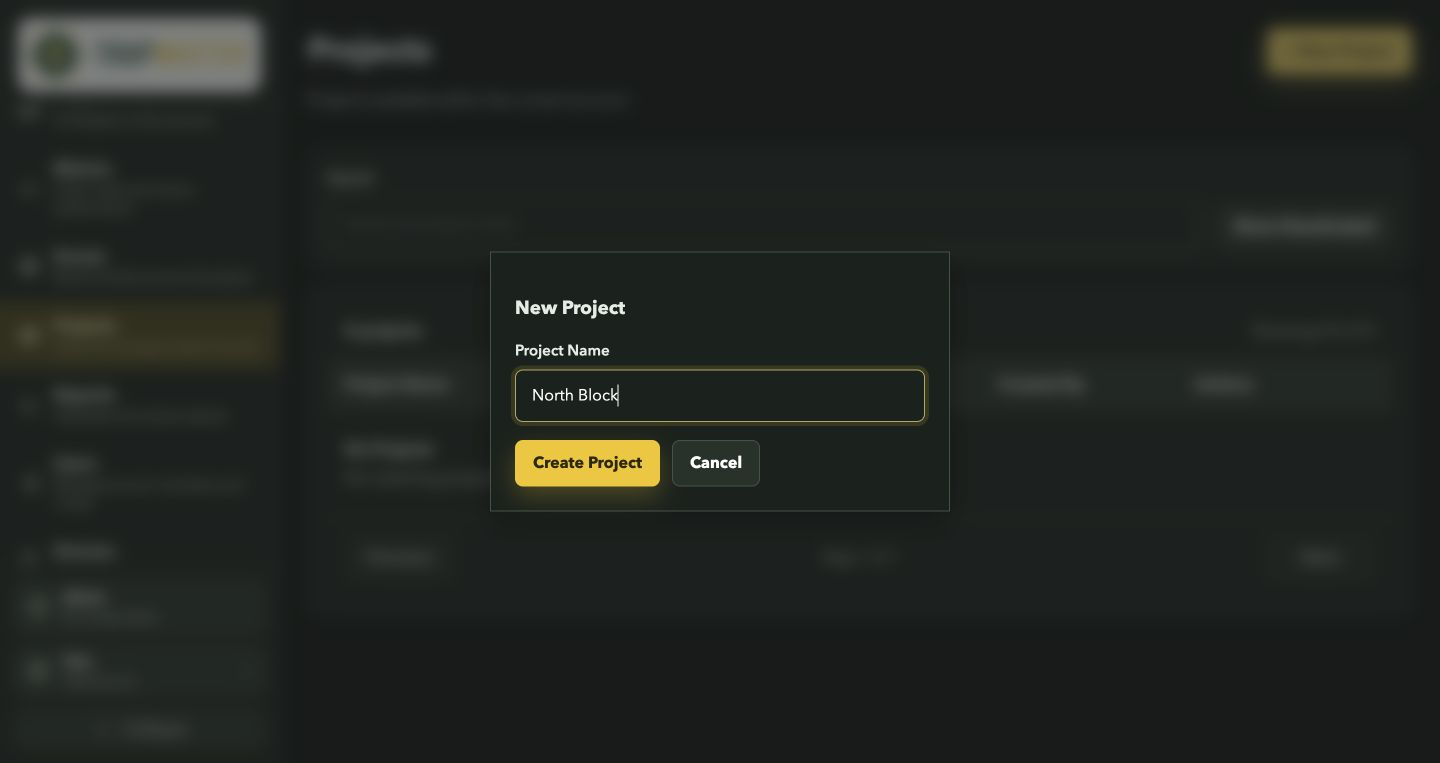
Name the project
Enter a recognisable project name and click Create Project.
03
Start mapping
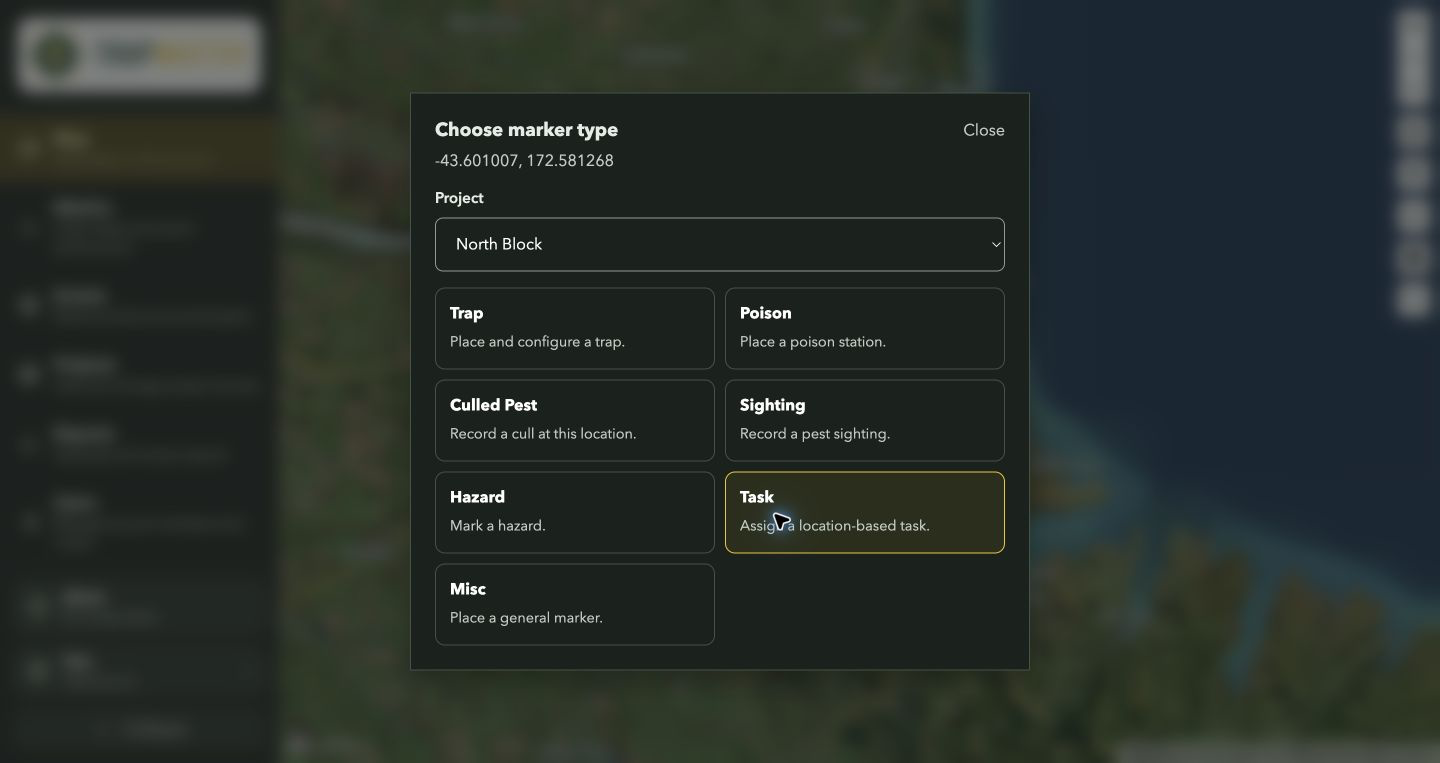
Open the map and choose your project when placing its first marker.