
In the field · Mobile & web
Record a catch
Add a trapped pest to the history of an existing trap.
Mobile app instructions
01
Open the trap
Select the trap on the map, then tap Open to view its details.
02
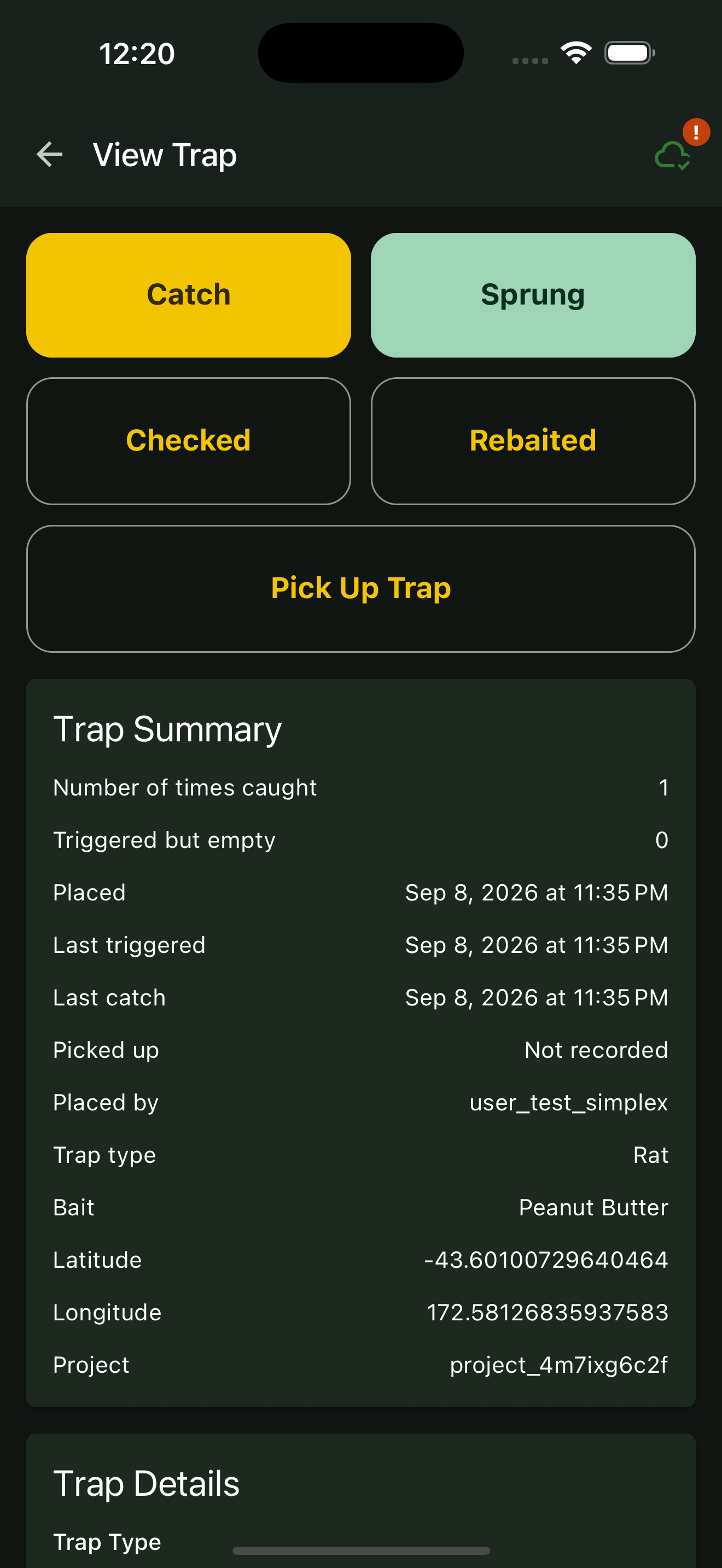
Tap Catch
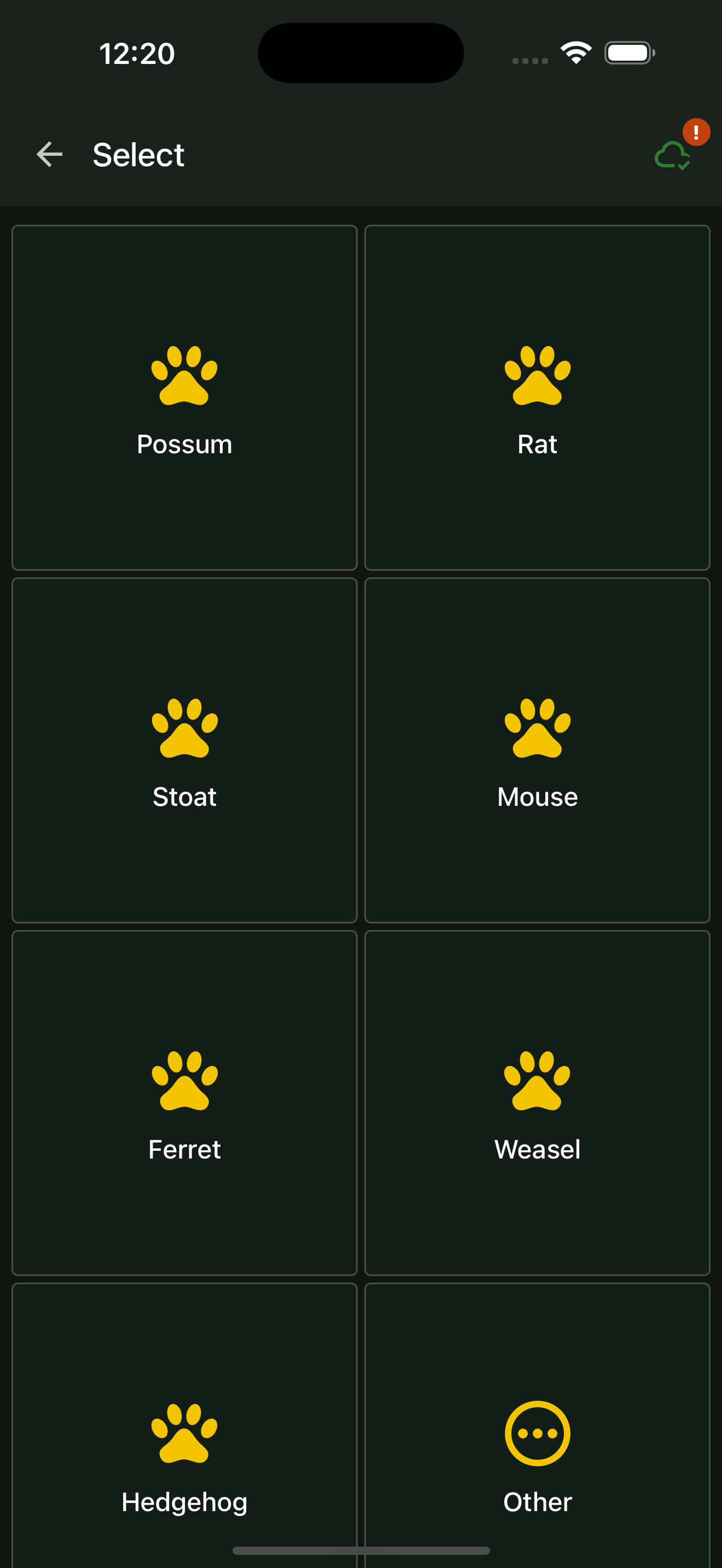
Tap Catch. Choose a suggested species to record the catch immediately.
03
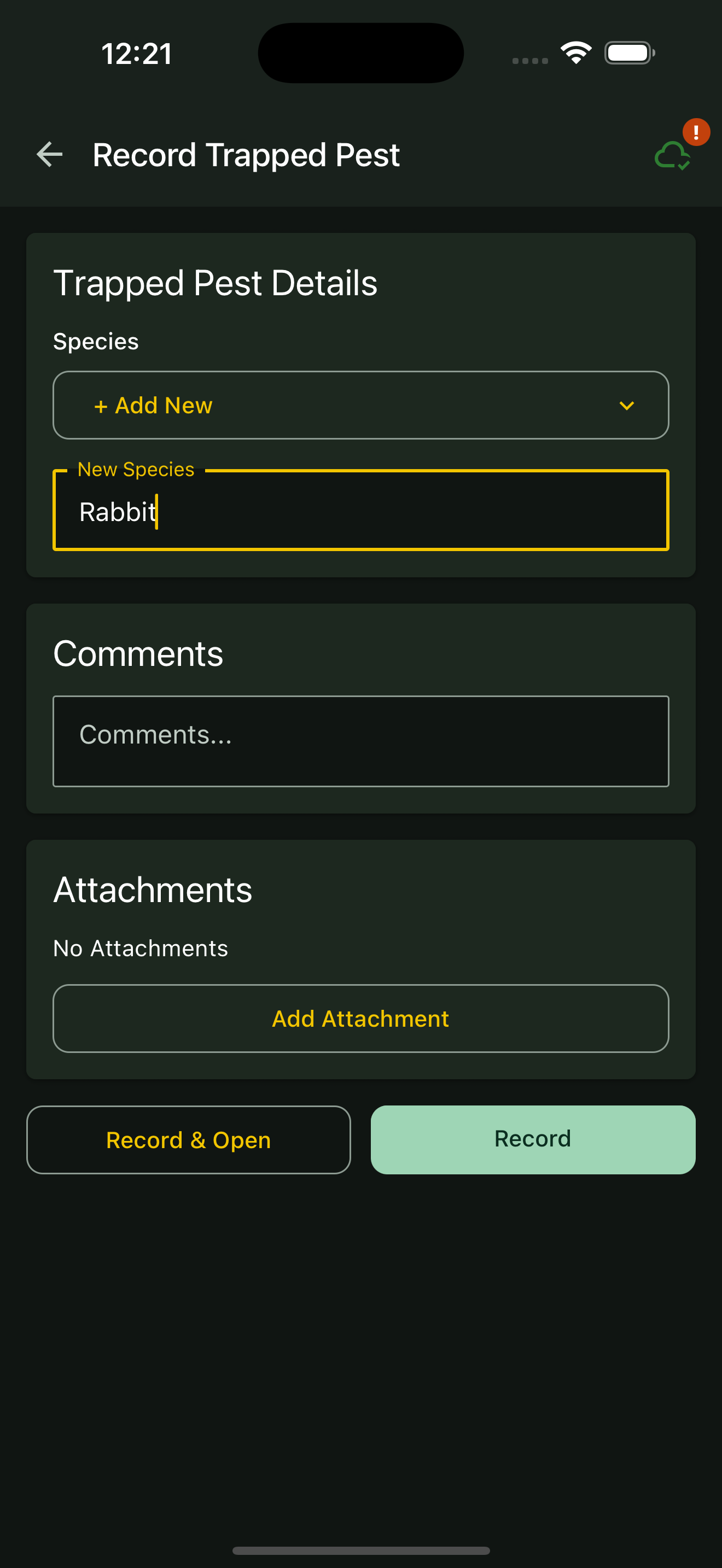
Use Other for more details
For a species outside the shortcuts, tap Other. Choose or enter the species, add any comments or attachments, and tap Record.
Web portal instructions
01
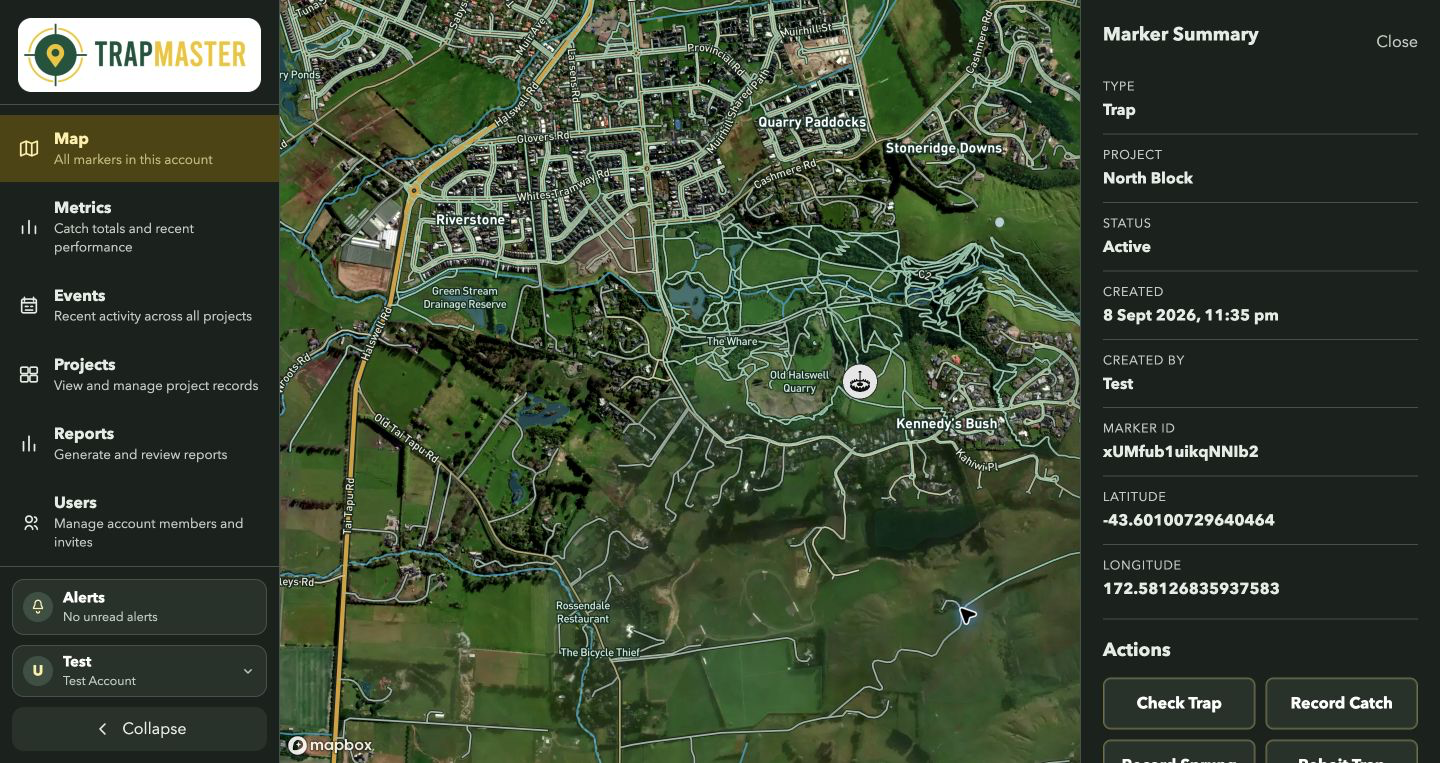
Select the trap
Click the trap marker on the map to see its available actions.
02
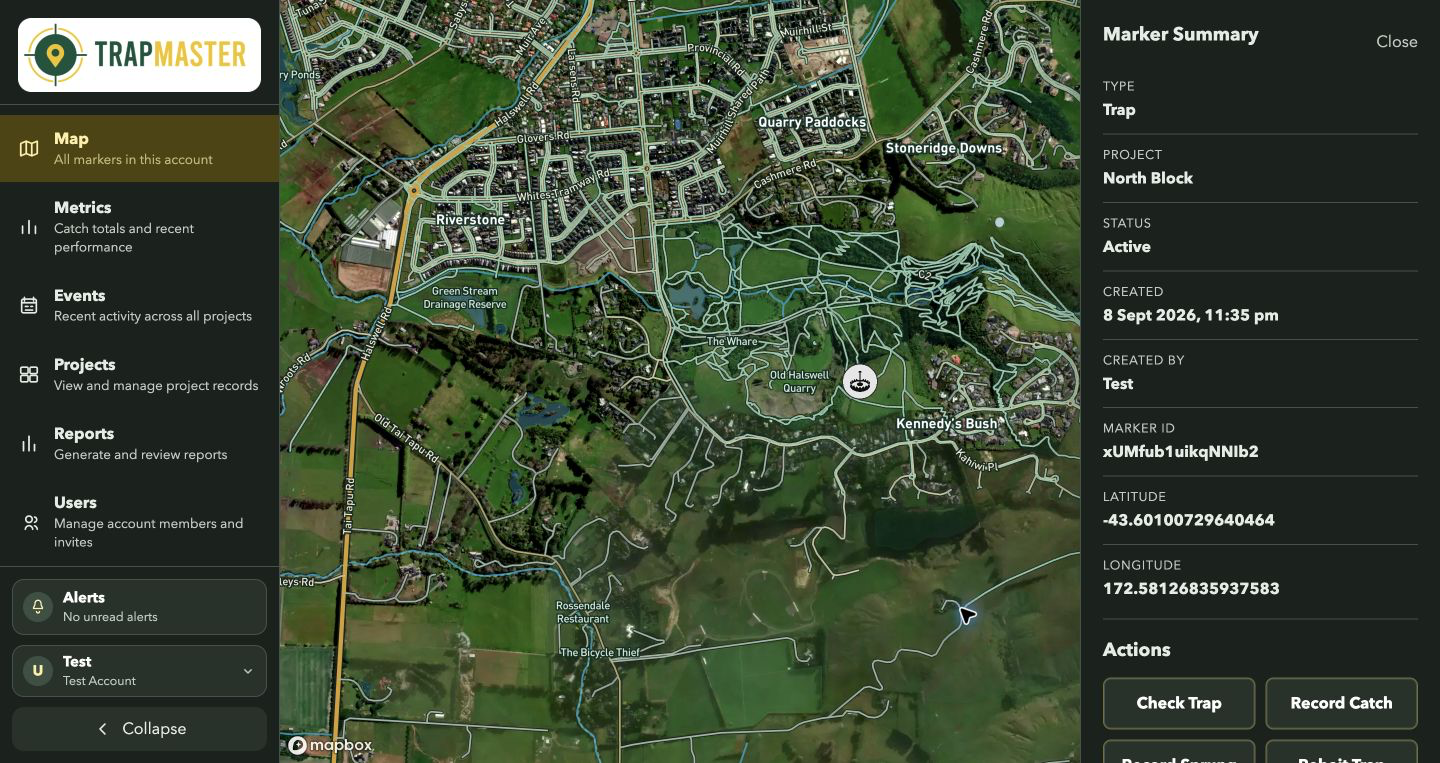
Choose Record Catch
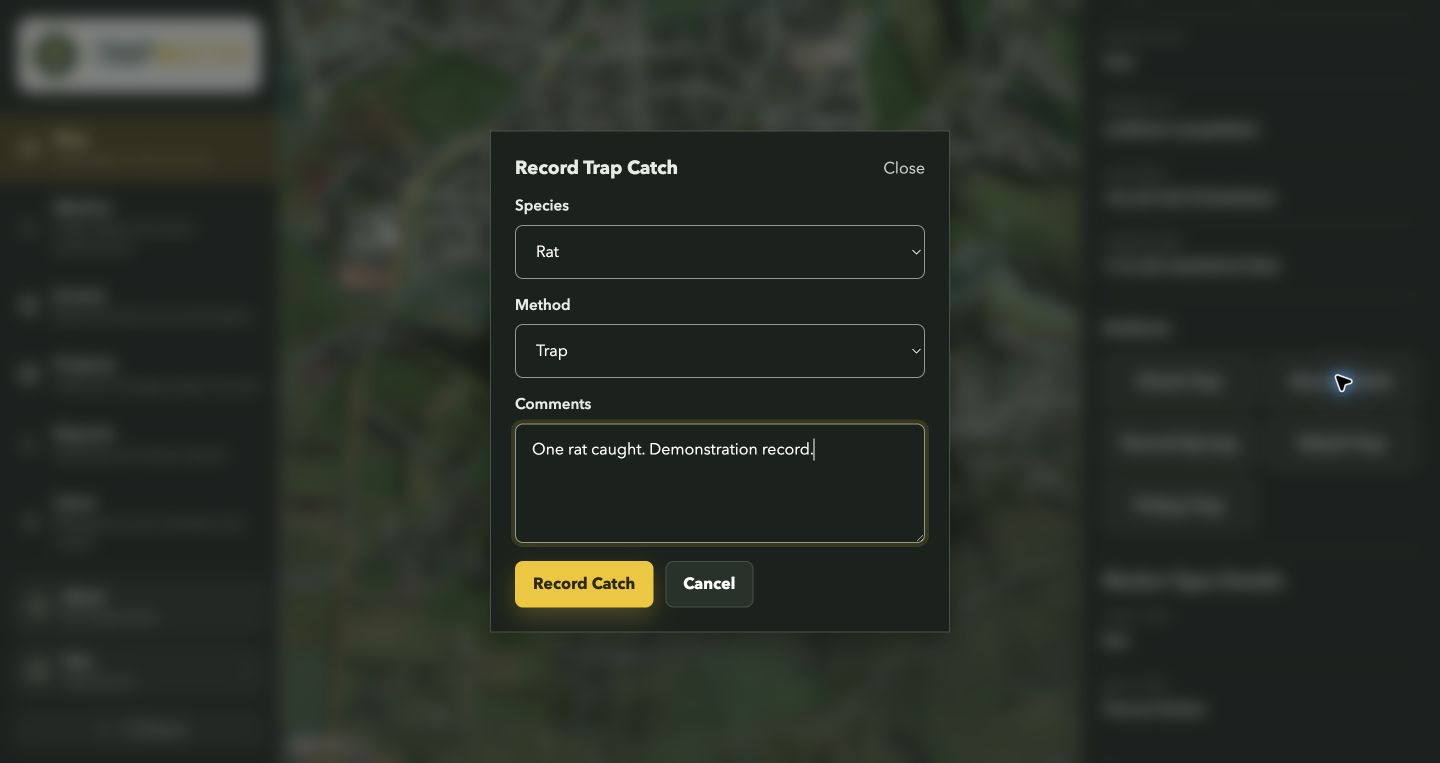
Choose Record Catch to open the Record Trap Catch form.
03
Save the catch
Choose the Species, check the Method and add any comments. Use Other to enter a name outside the list. Click Record Catch.