
After field work · Mobile only
Sync your field work
Check that field records and photos have reached your shared project.
Mobile app instructions
01
Let the app reconnect
Keep the app open while connected so it can sync your field records. Make sure you are checking the account and project where you recorded the work.
02
Check pending records
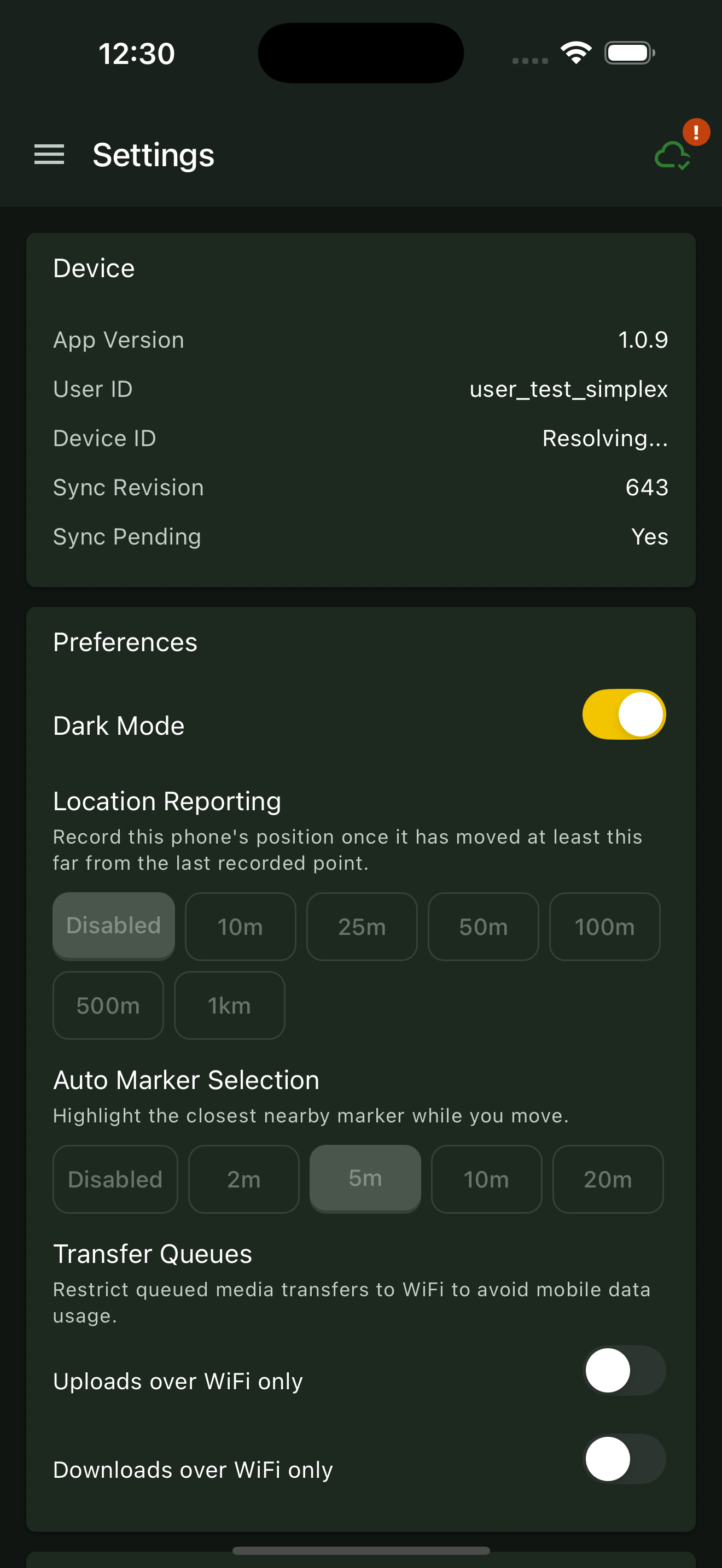
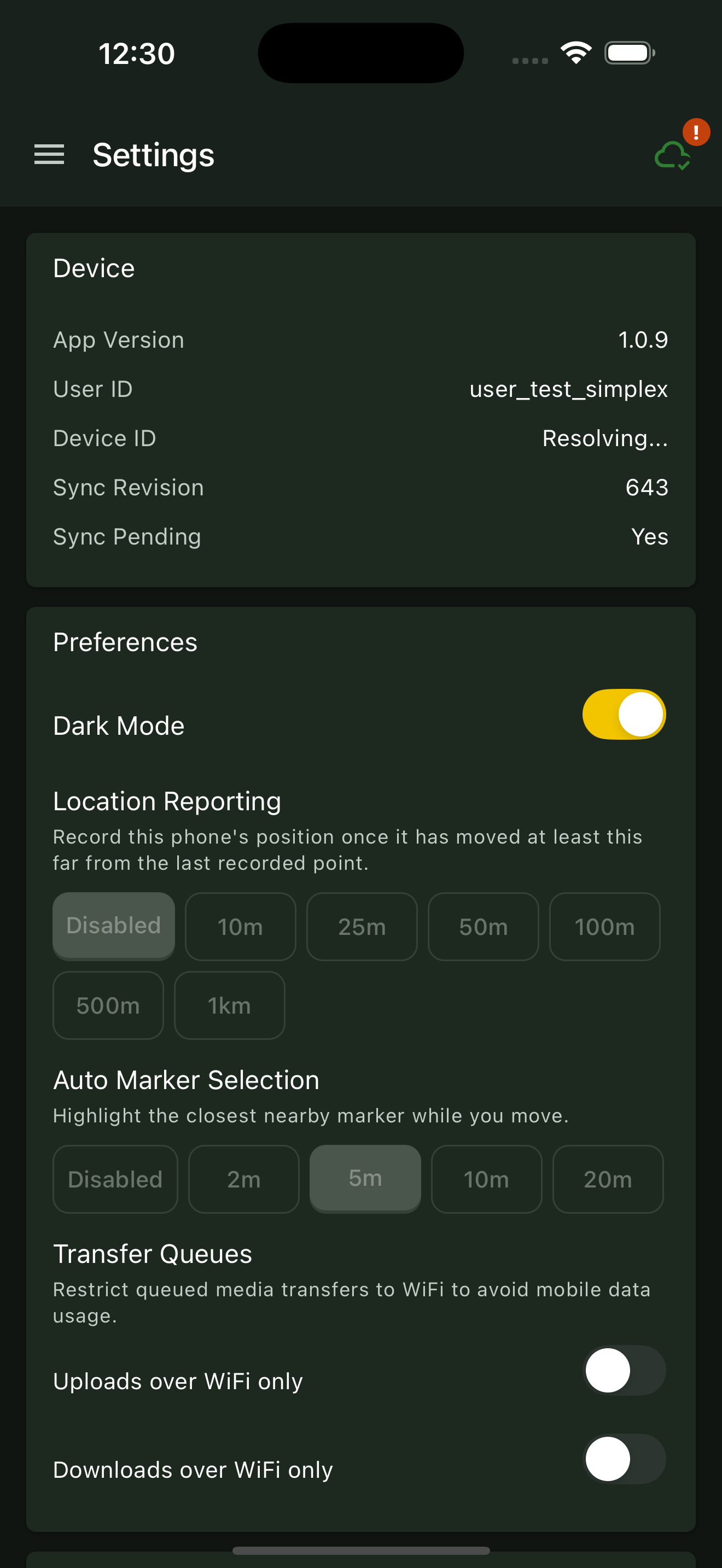
Open Settings. In Device, check Sync Pending. Wait for it to show No; photos have a separate upload queue.
03
Check photo uploads
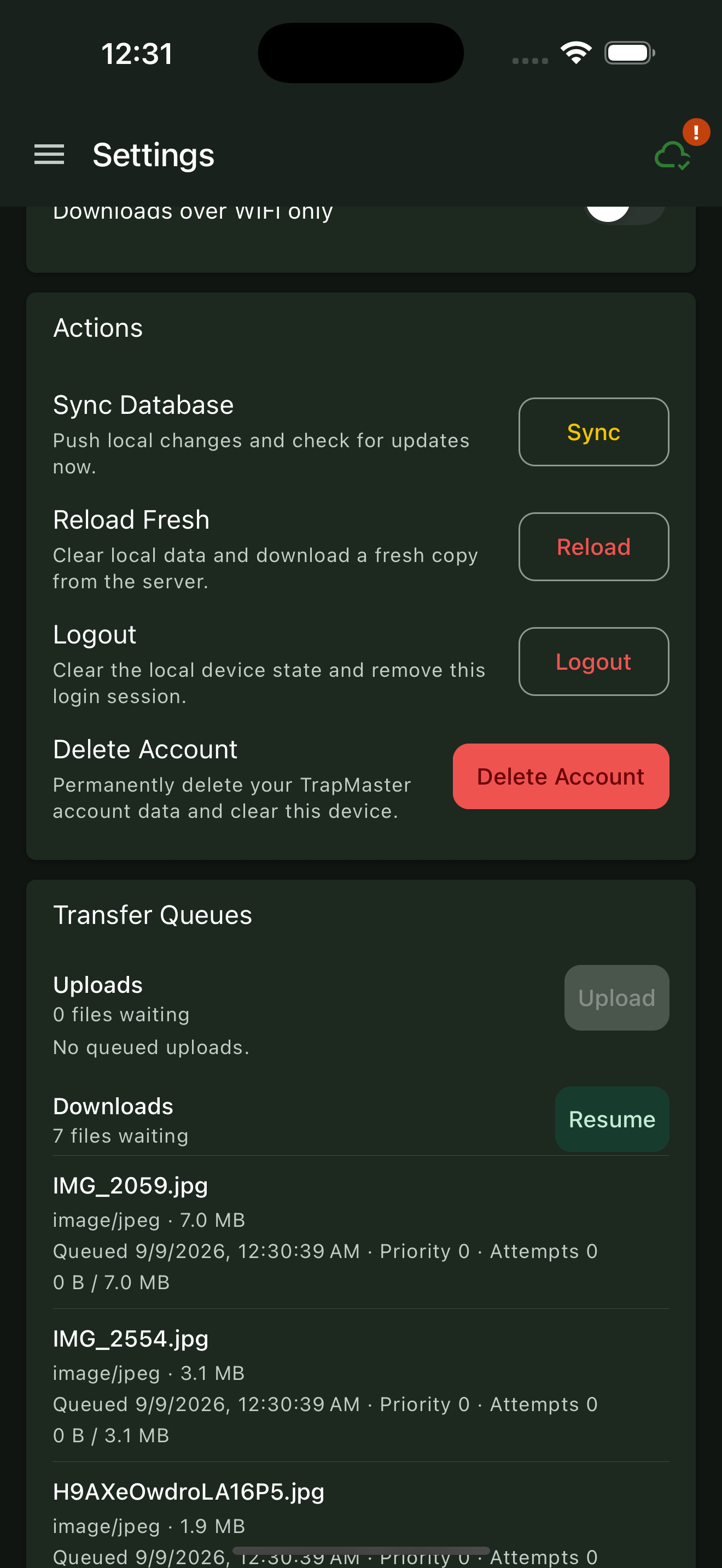
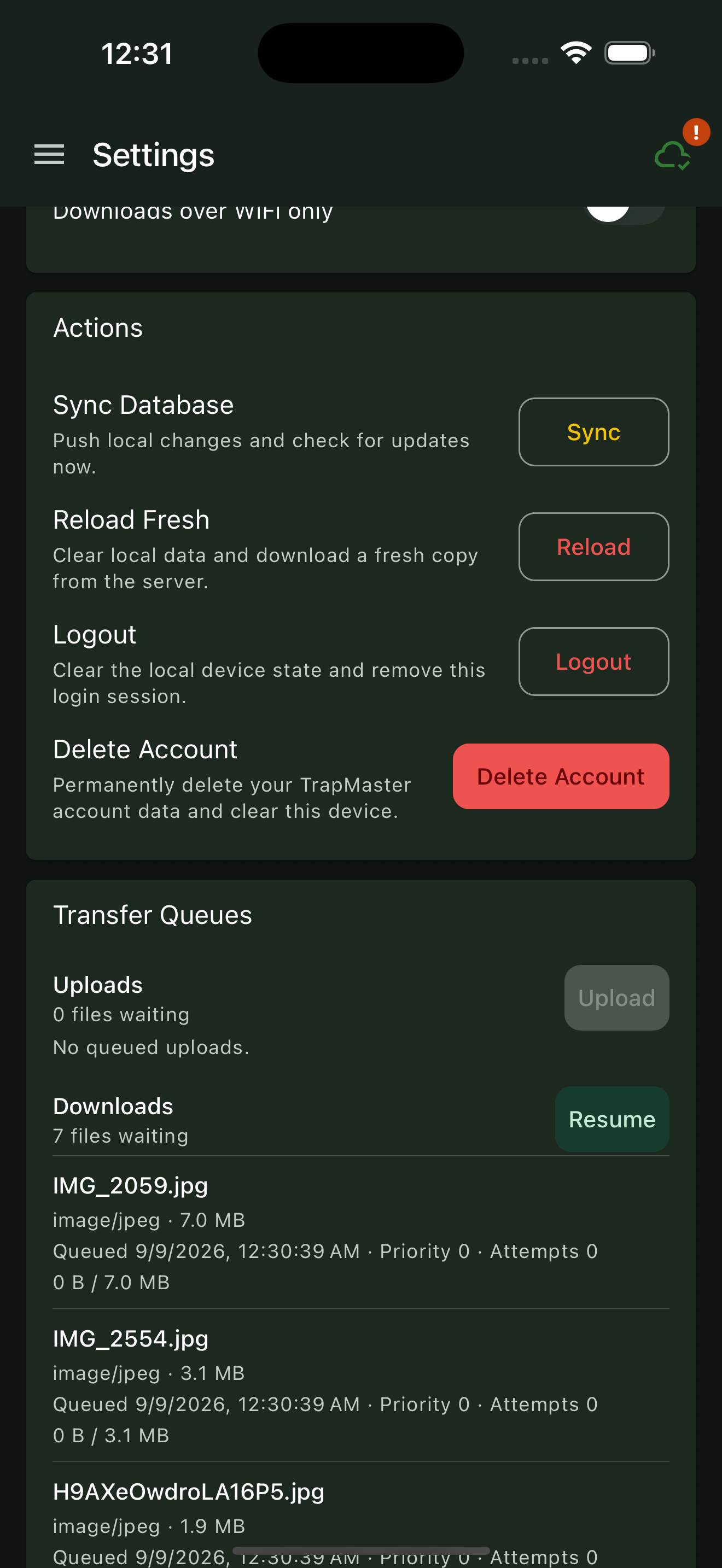
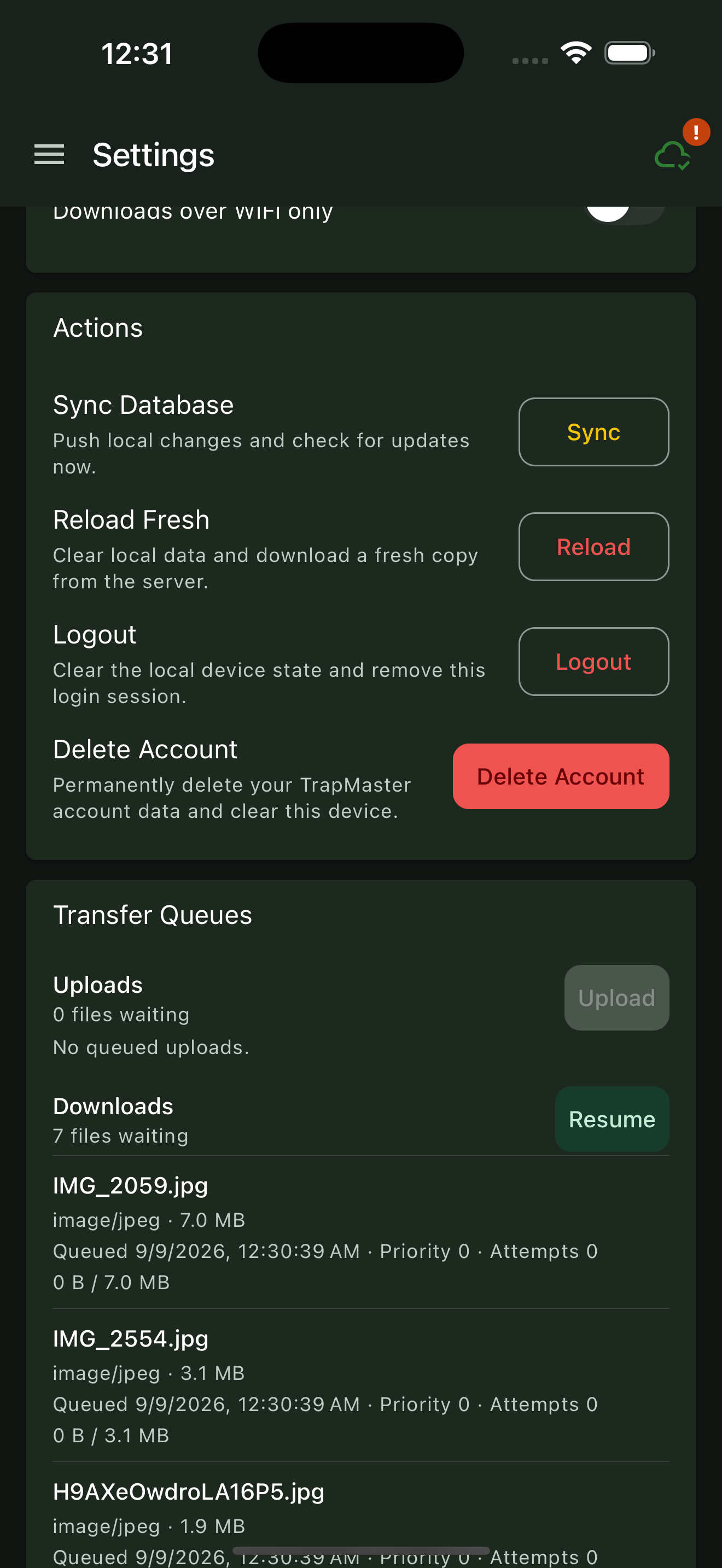
Open Transfer Queues in Settings and check Uploads. If files are waiting, use Upload when available. If Uploads over WiFi only is enabled, connect to WiFi or change that preference if you want to use mobile data.
04
Confirm the work in the portal
Open the same account and project in the web portal. Check a marker you updated and confirm its latest activity and photos appear.
05
If something is still missing
Recheck the connection, account and project. Look for an error in the upload queue and retry when connected. If the problem continues, contact support with the affected marker and any error message.